Media Kit
Everything you need to show off Glamis Guide. Tap any image to save the full-size file, or grab a whole set with Download All. Screenshots have transparent backgrounds, so they drop onto any photo or color.
iPhone Screenshots
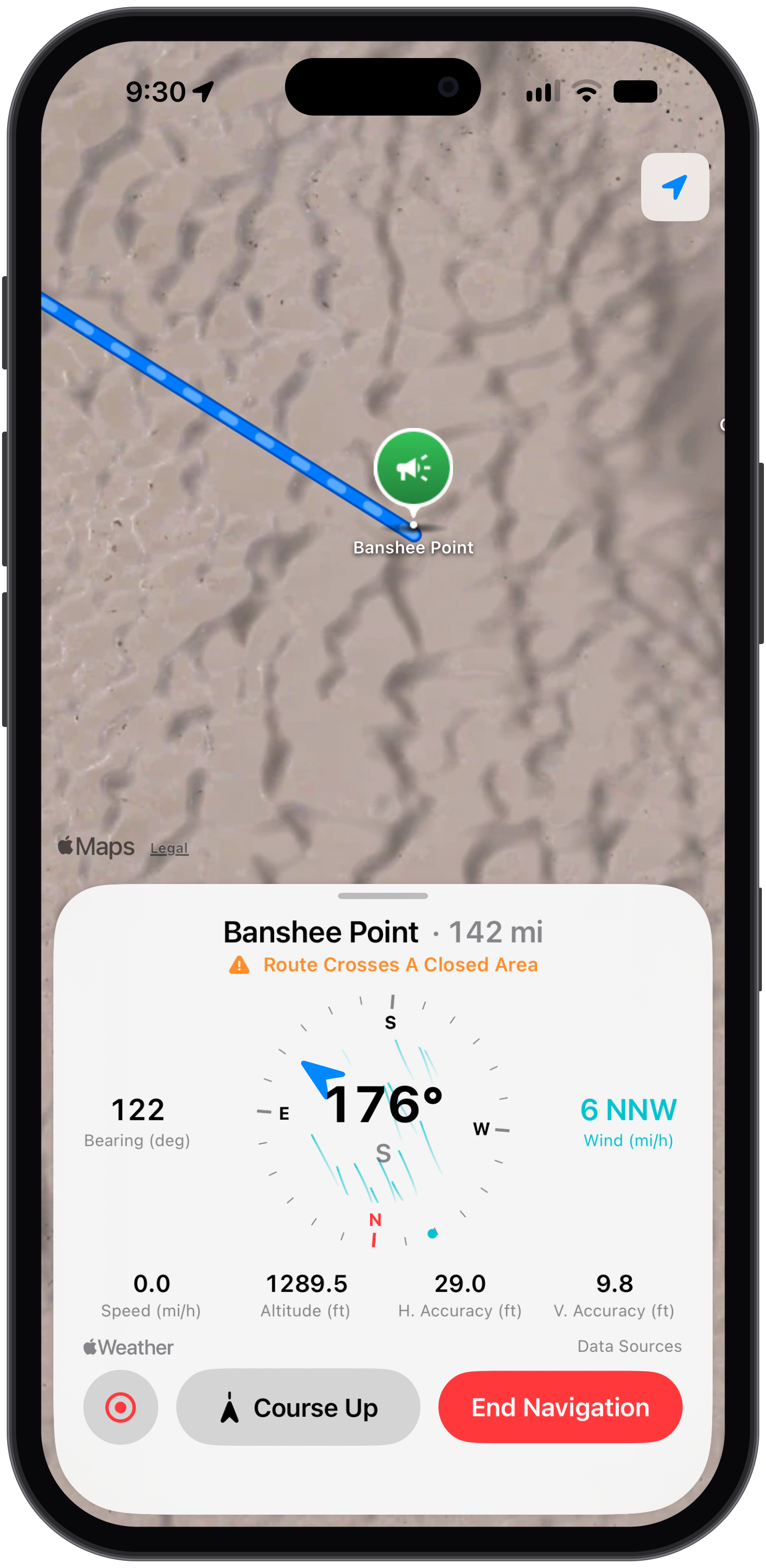
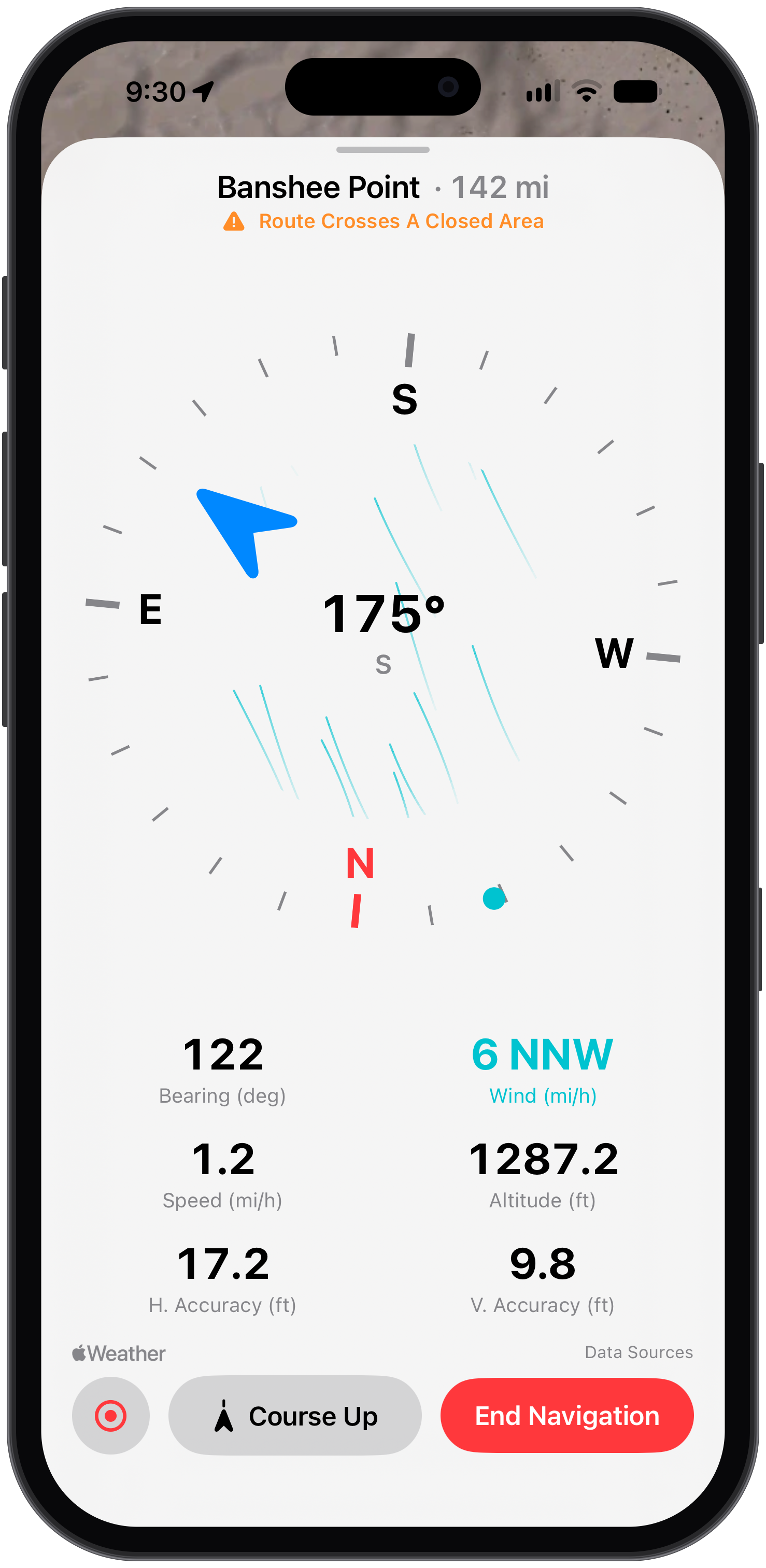
Every main feature, framed in an iPhone. Great for feed posts and carousels.
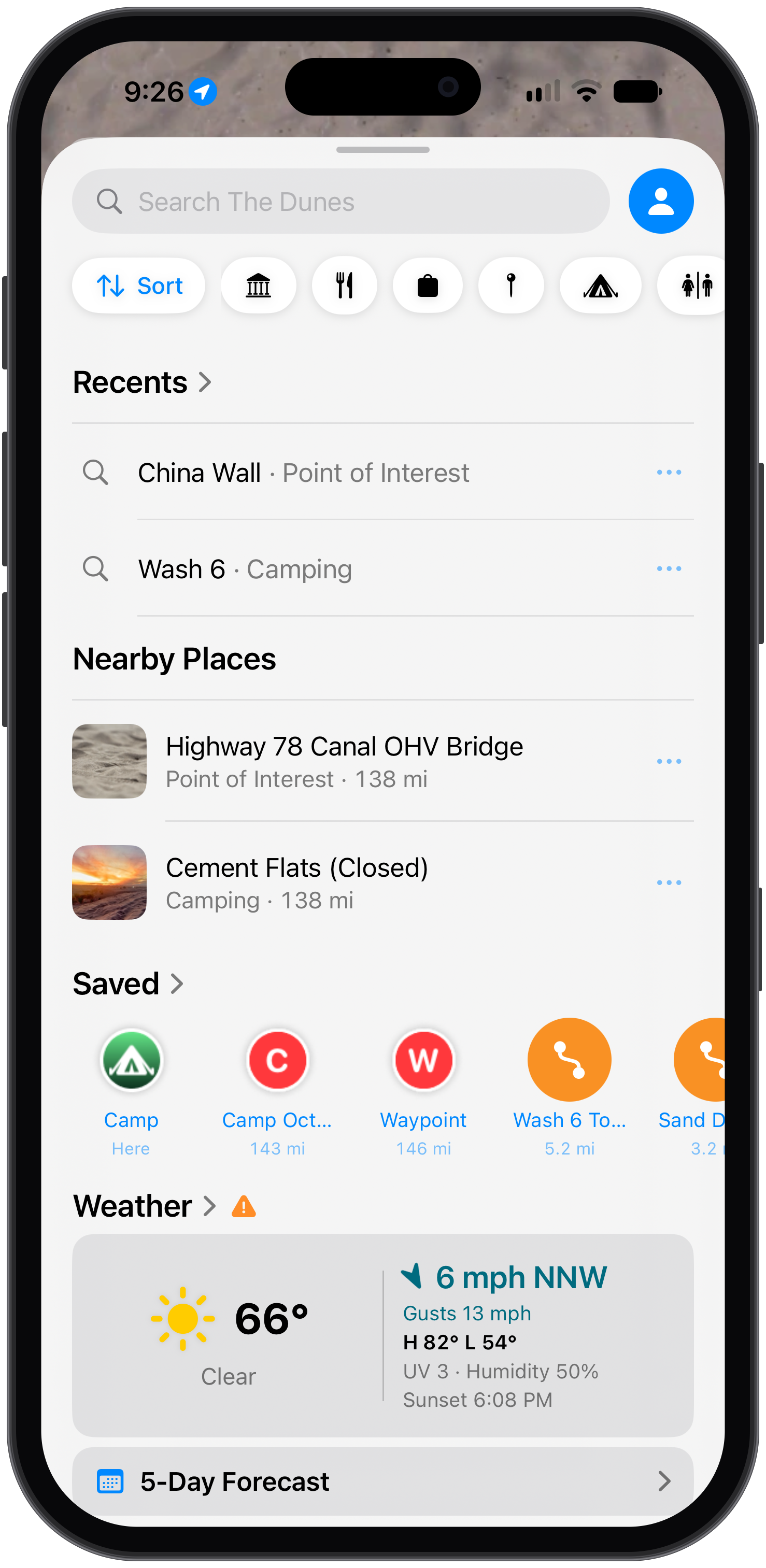
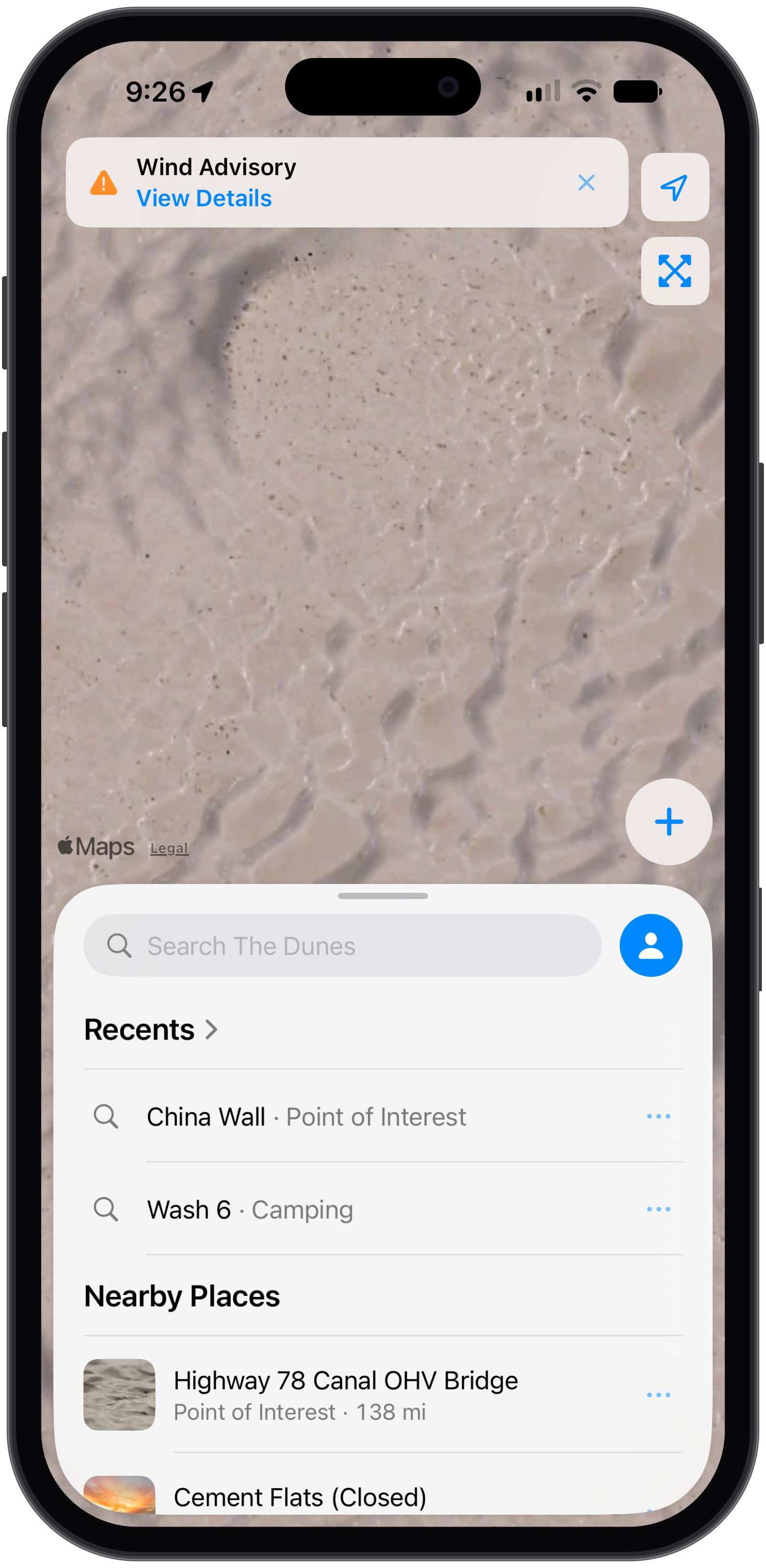
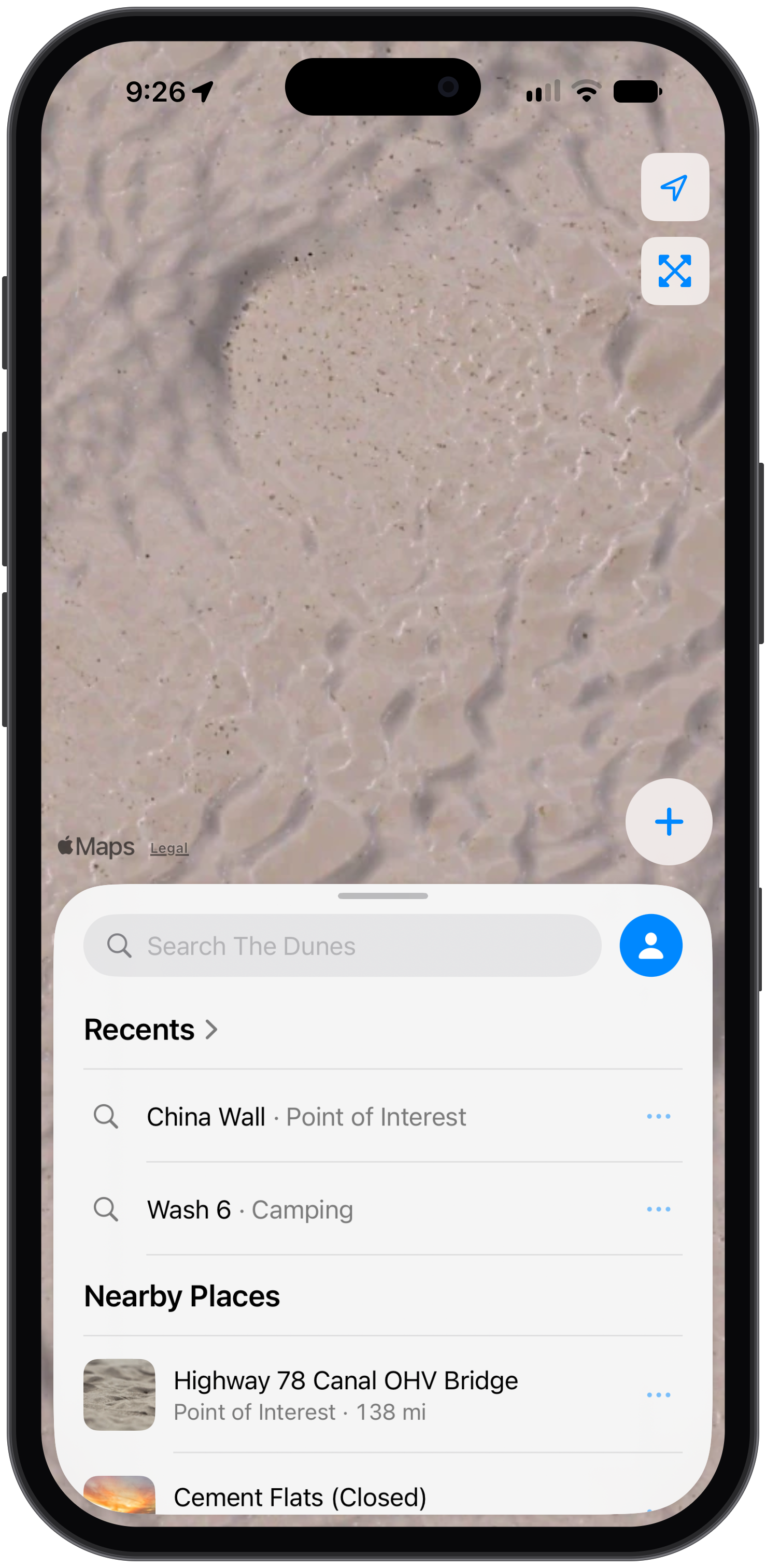
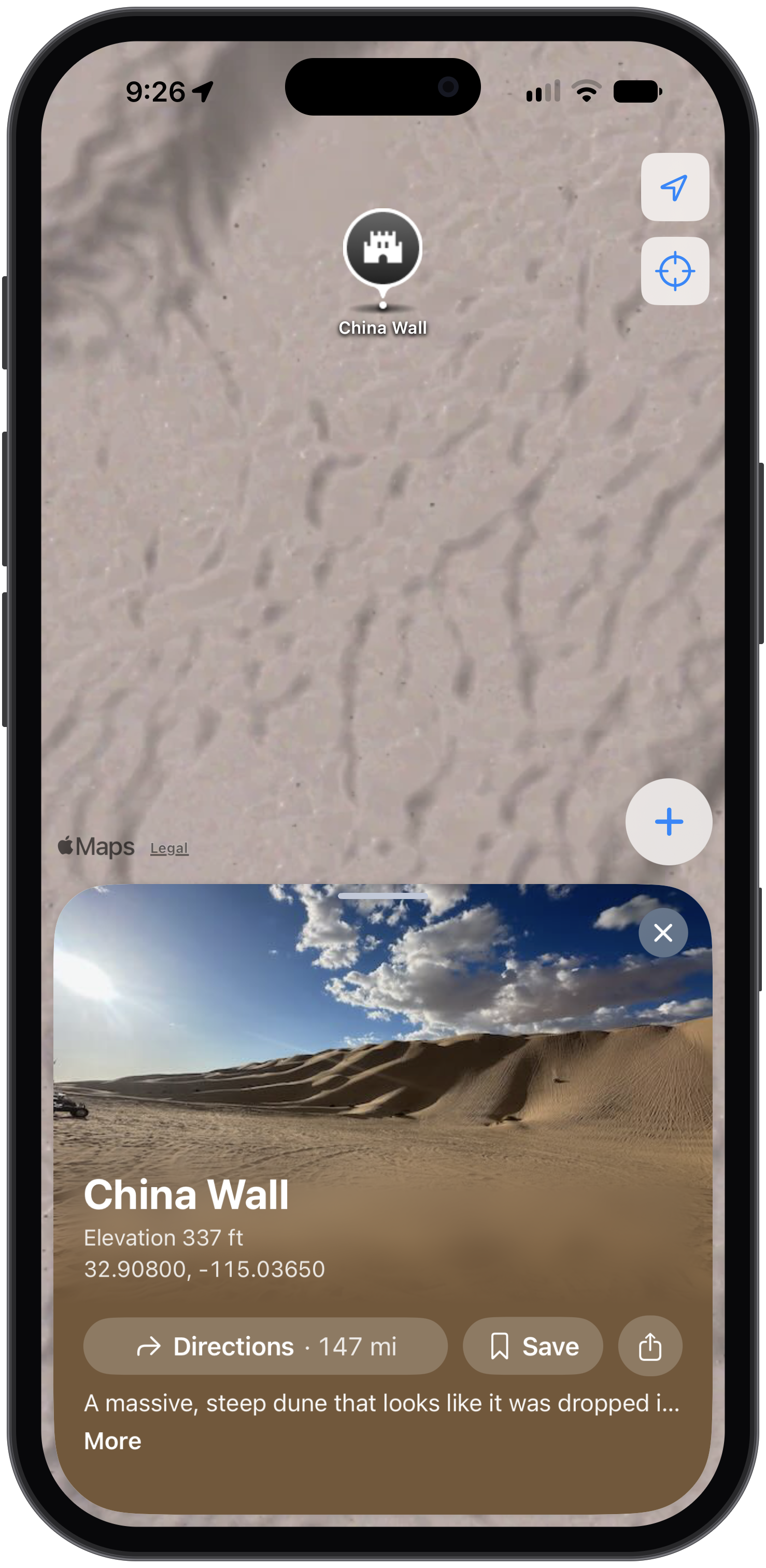
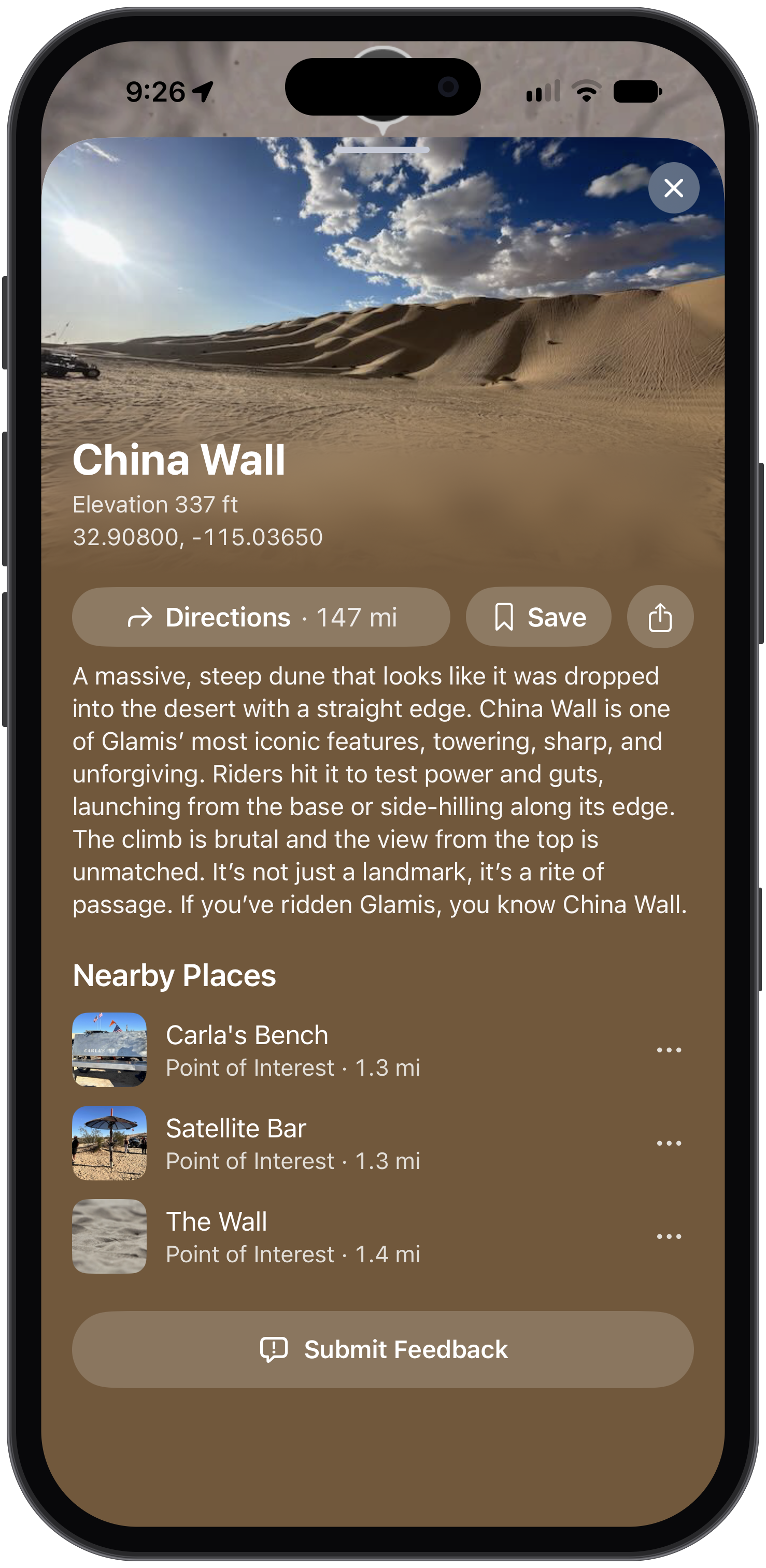
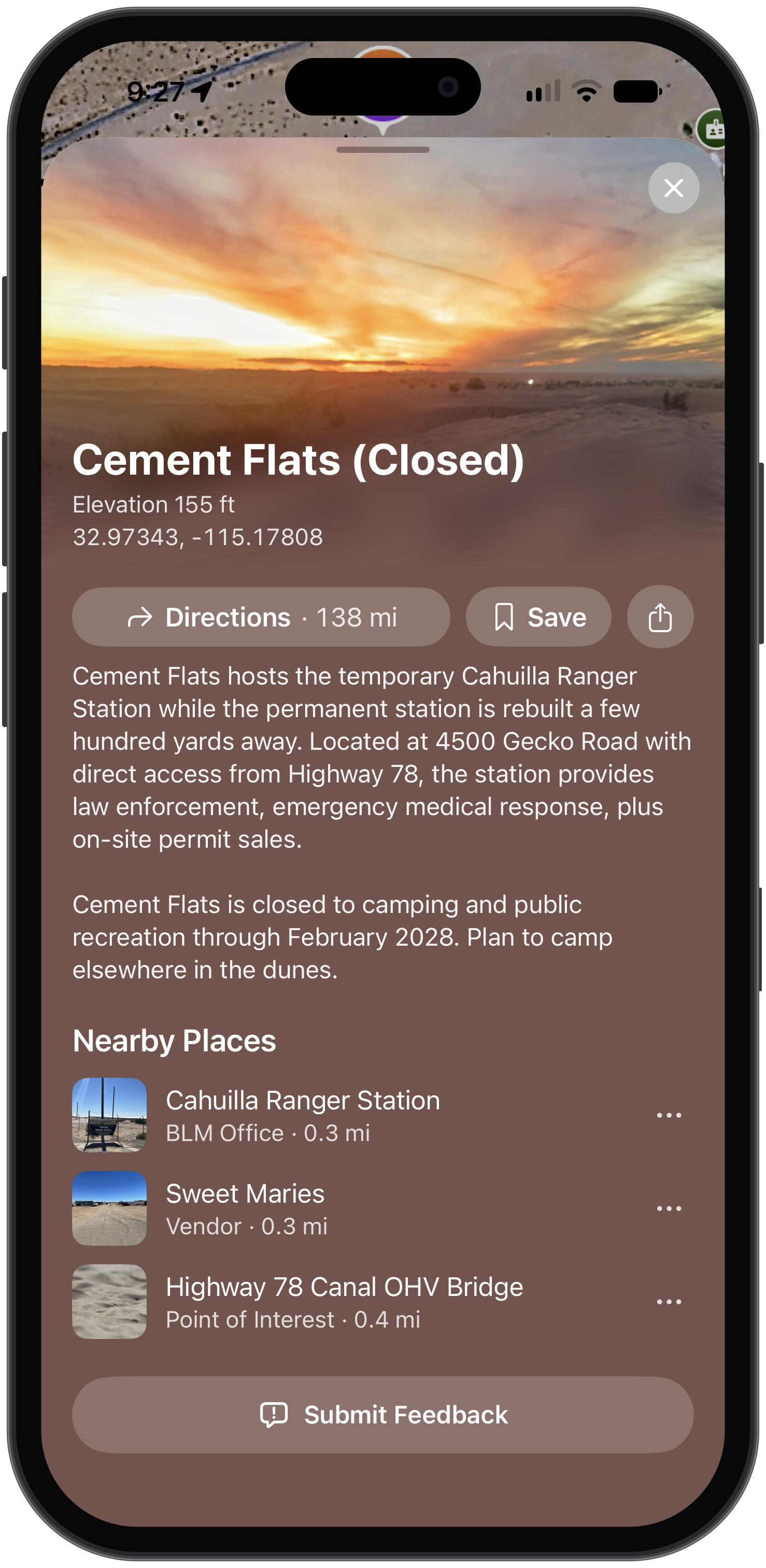
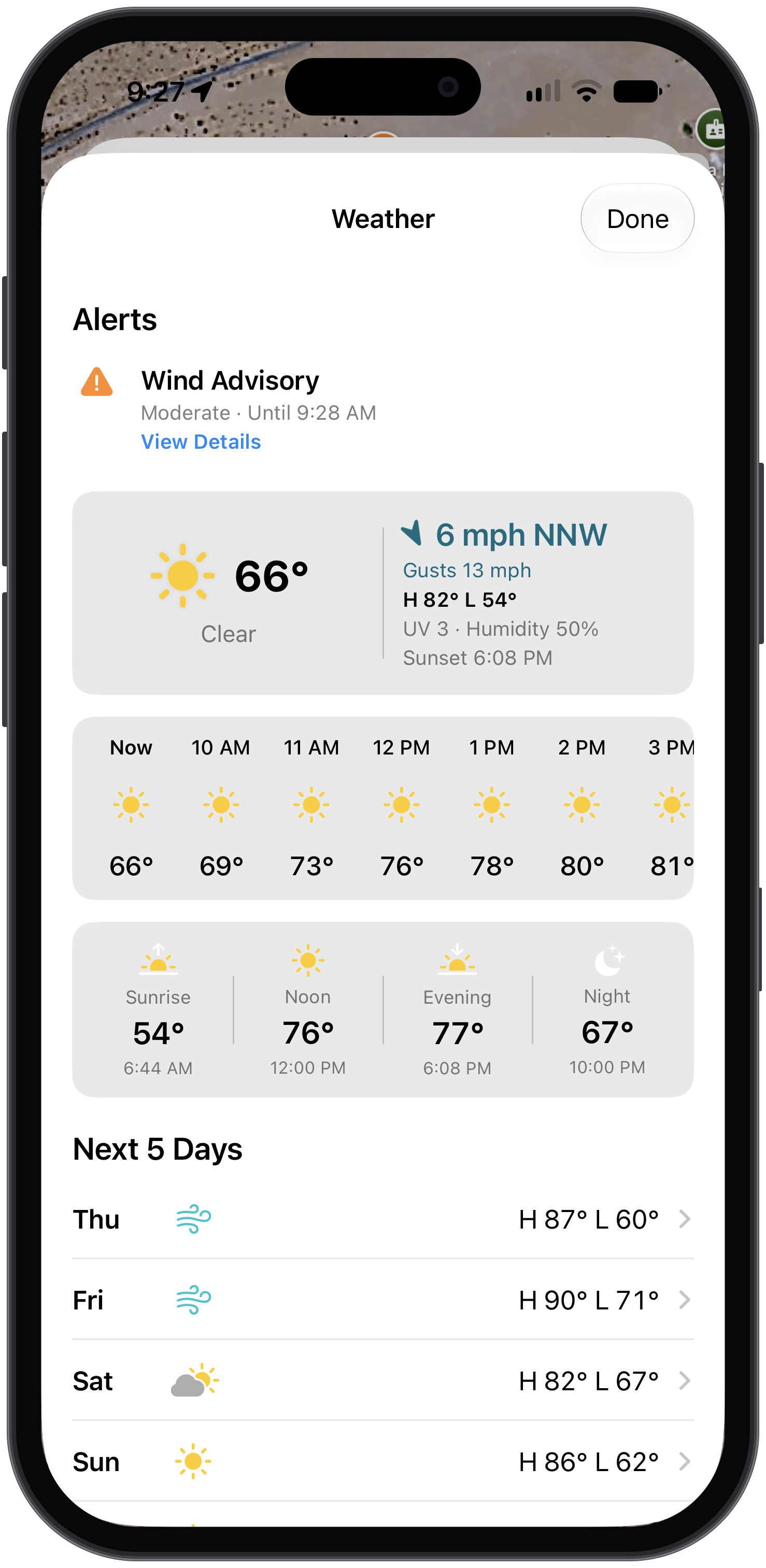
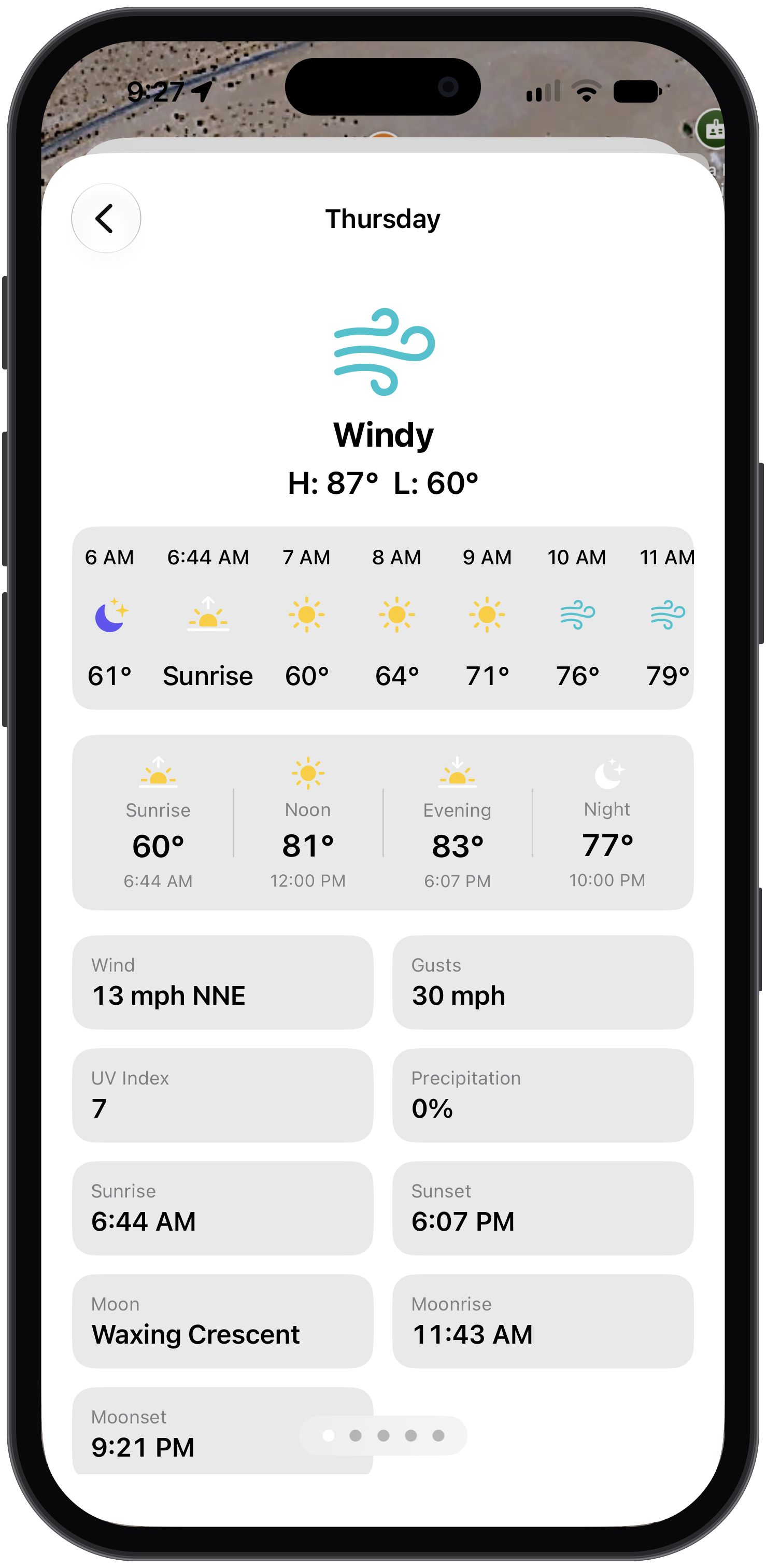
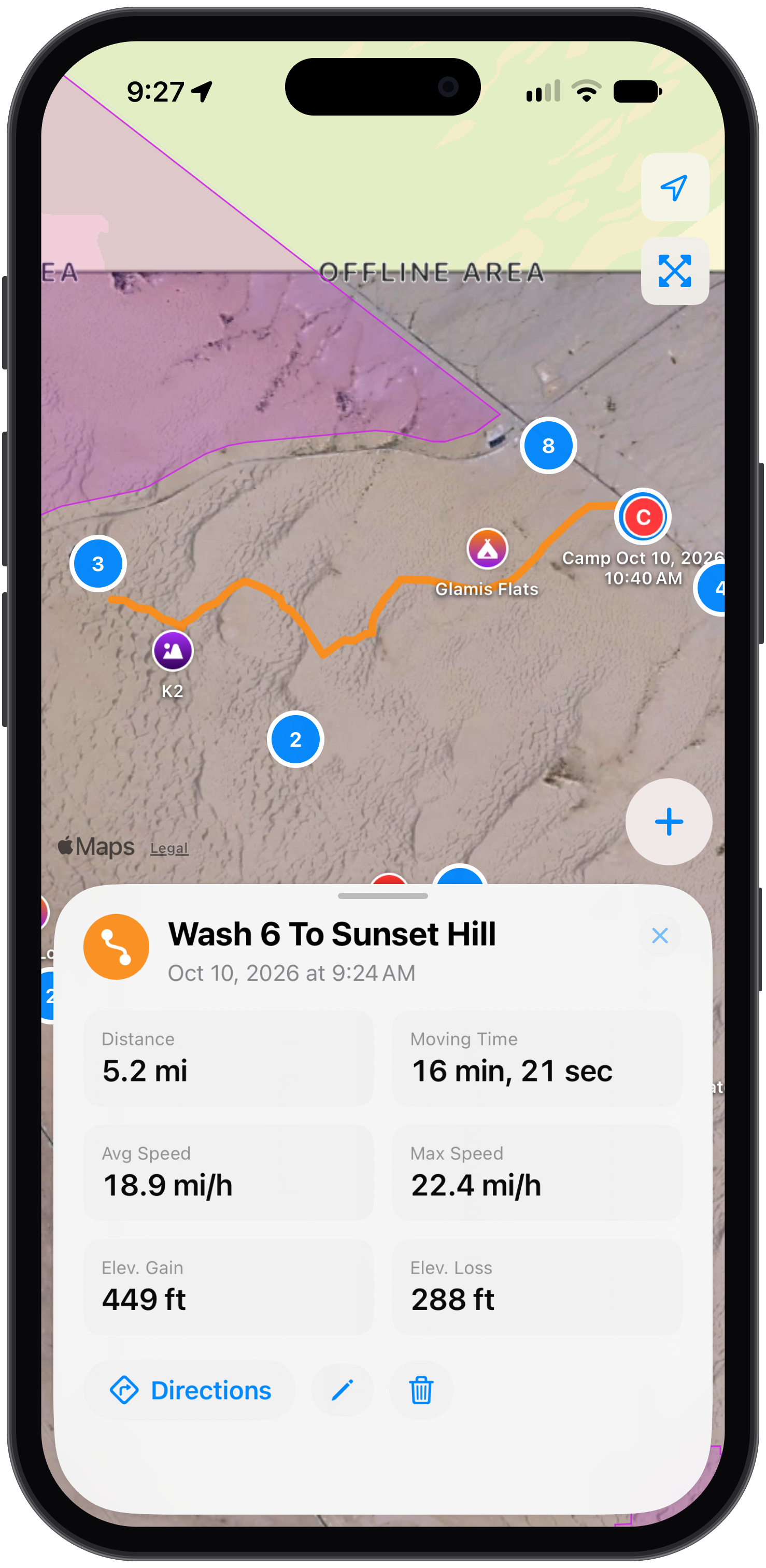
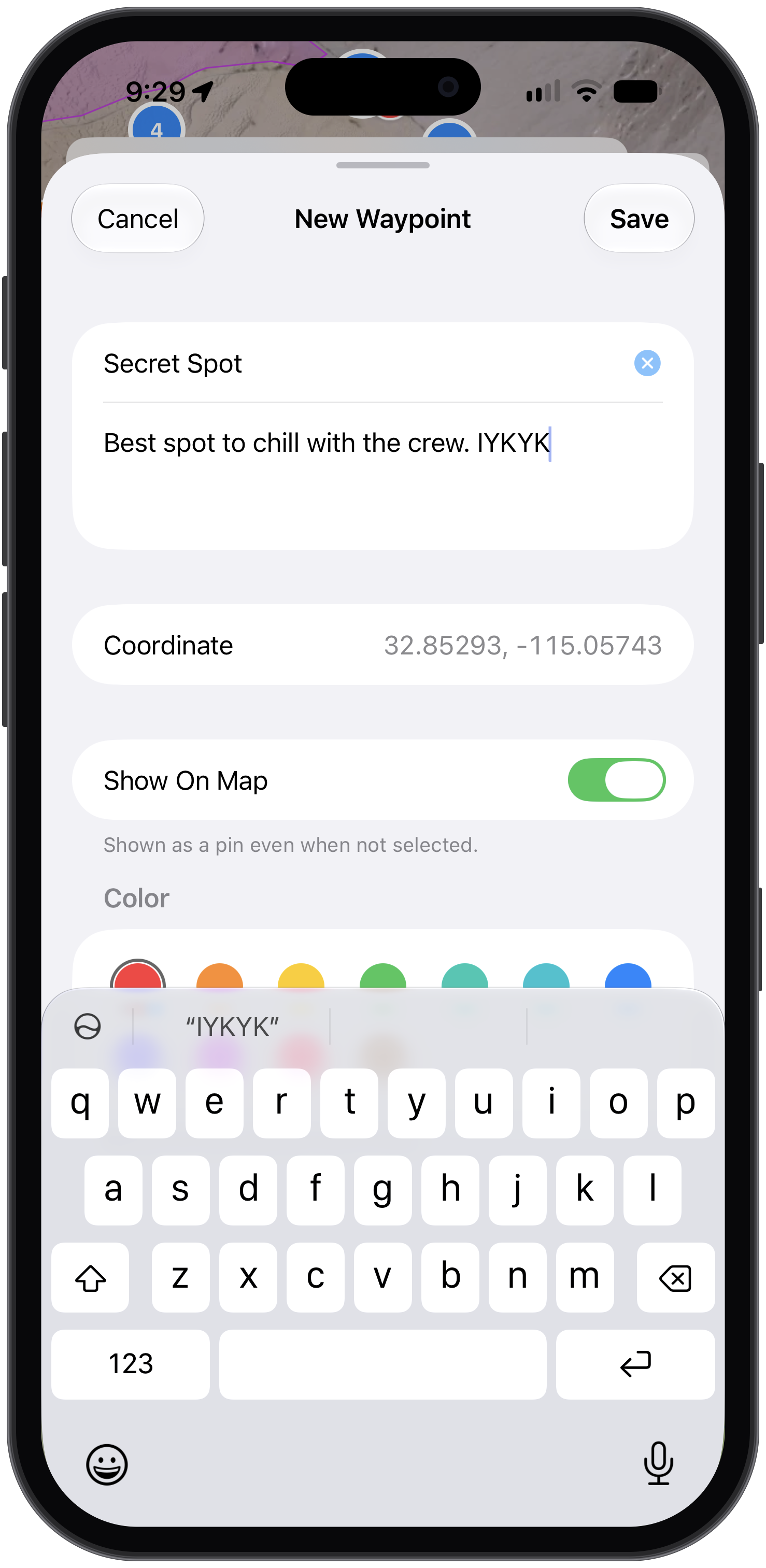
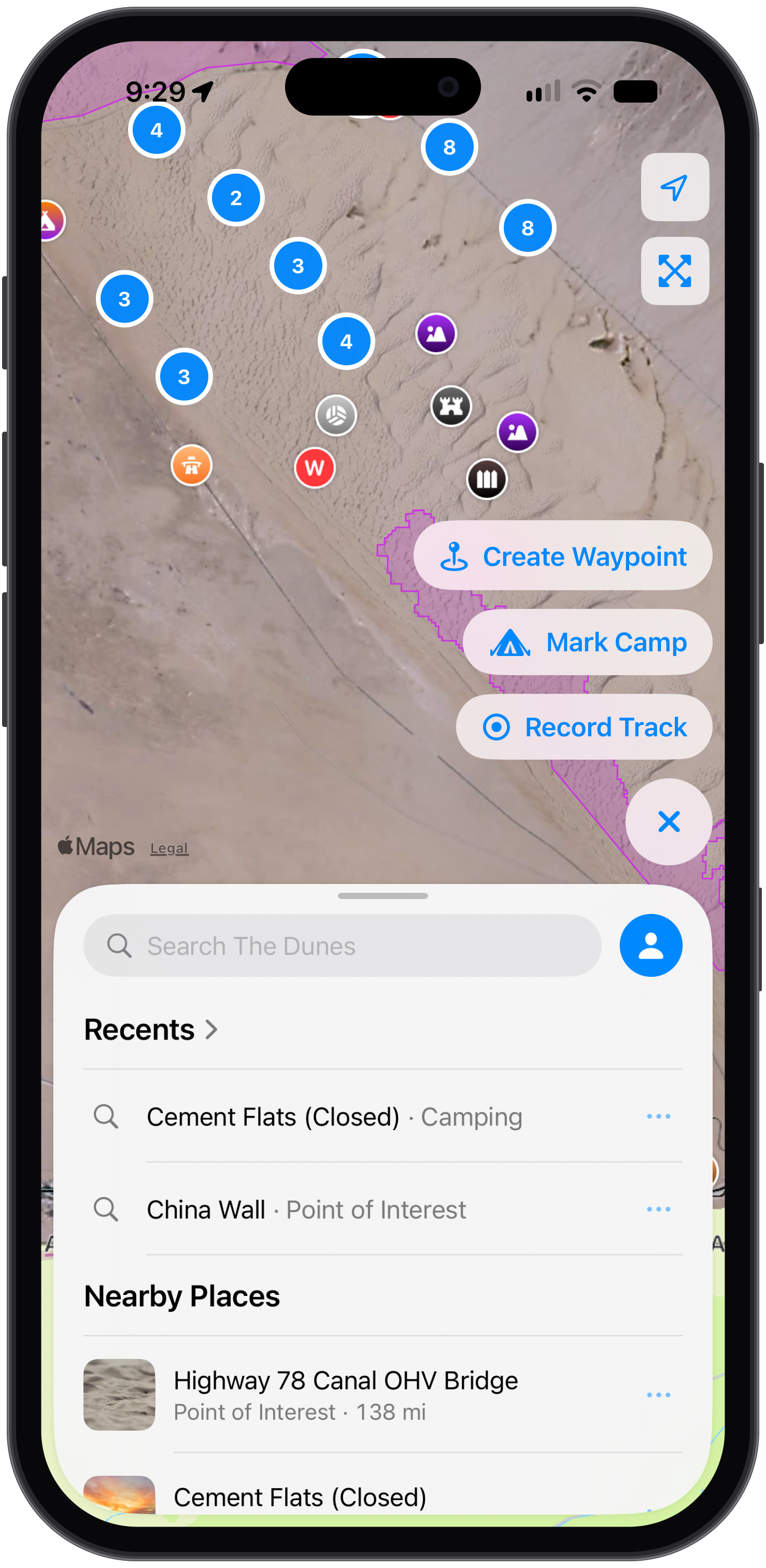
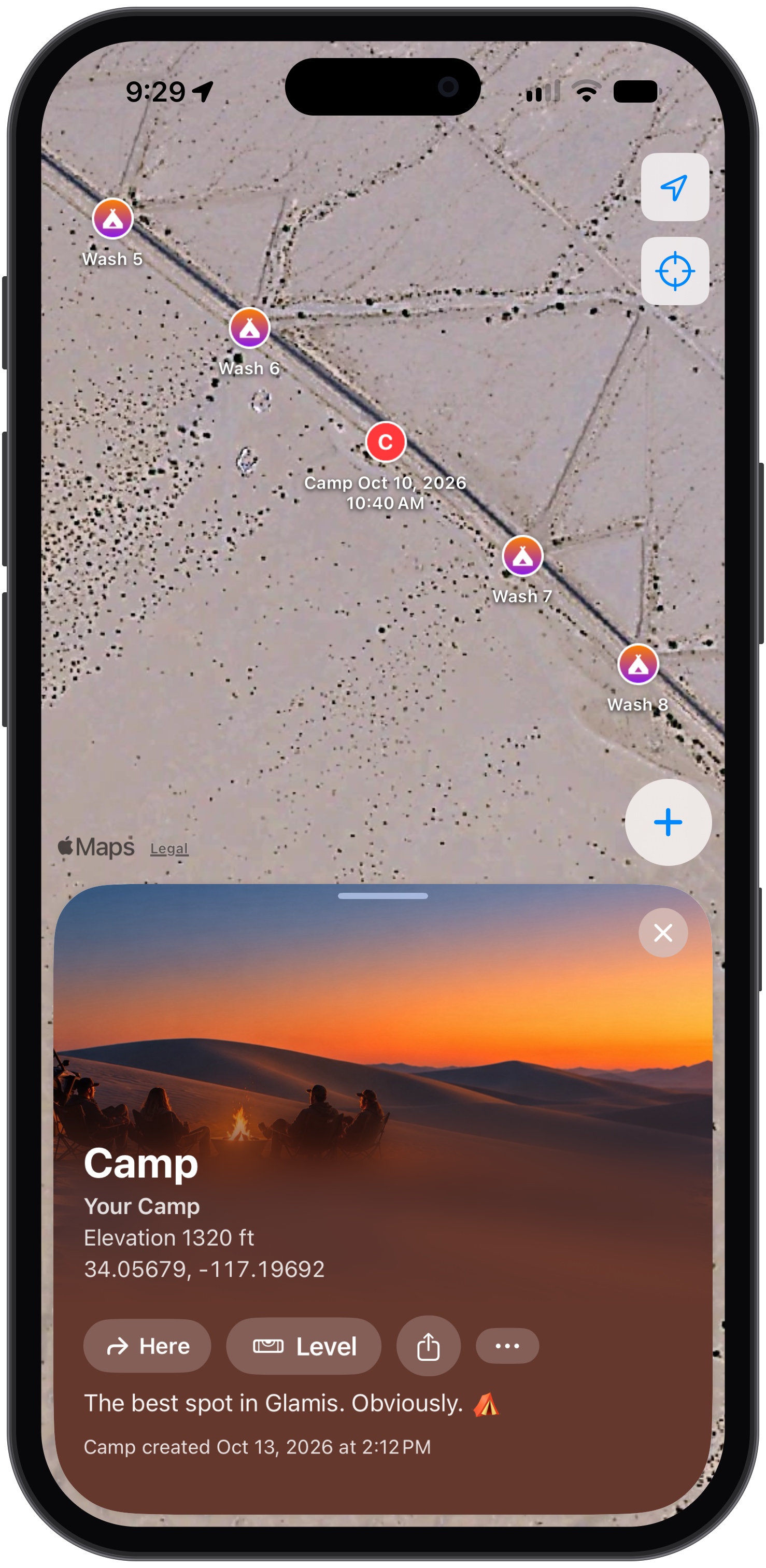
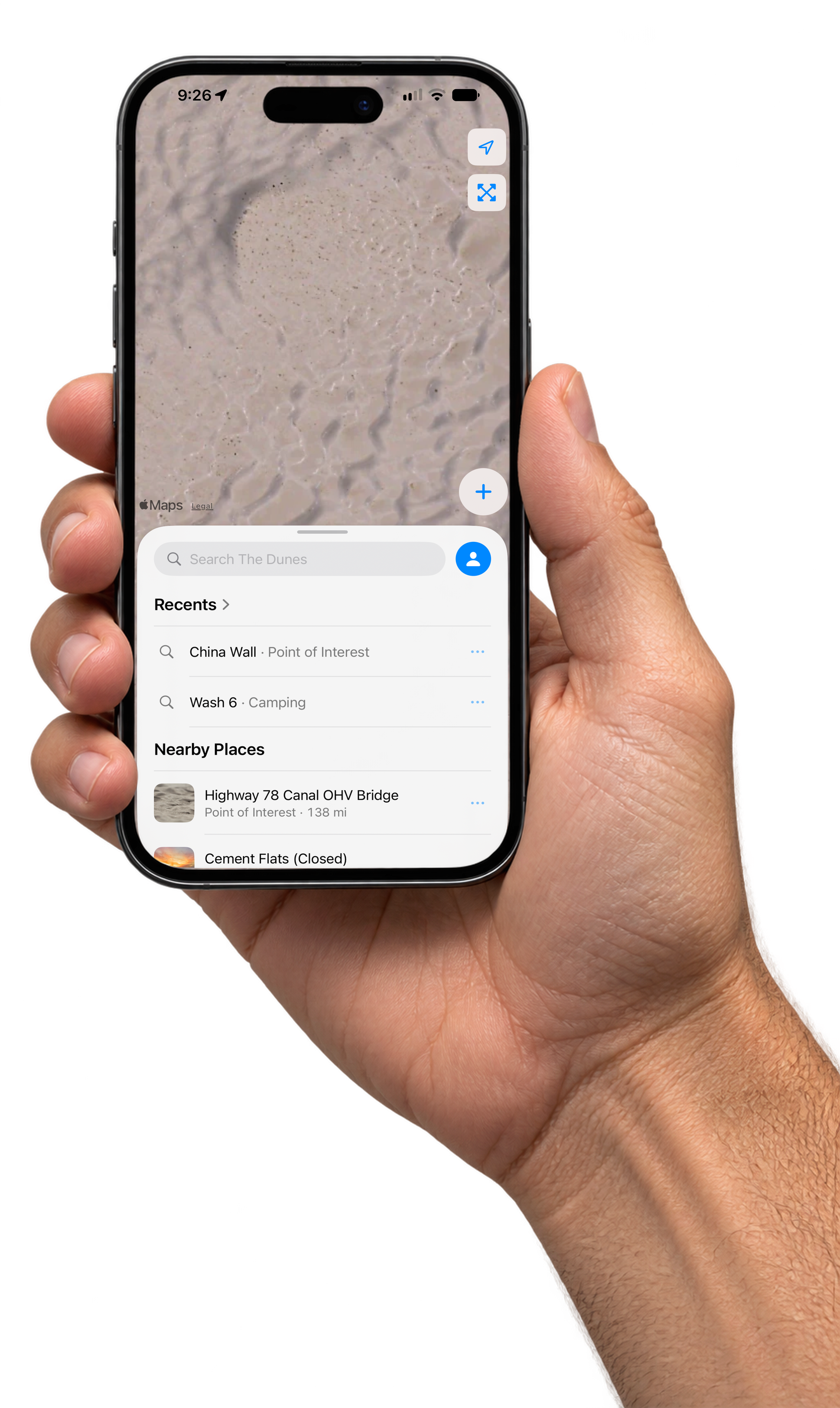
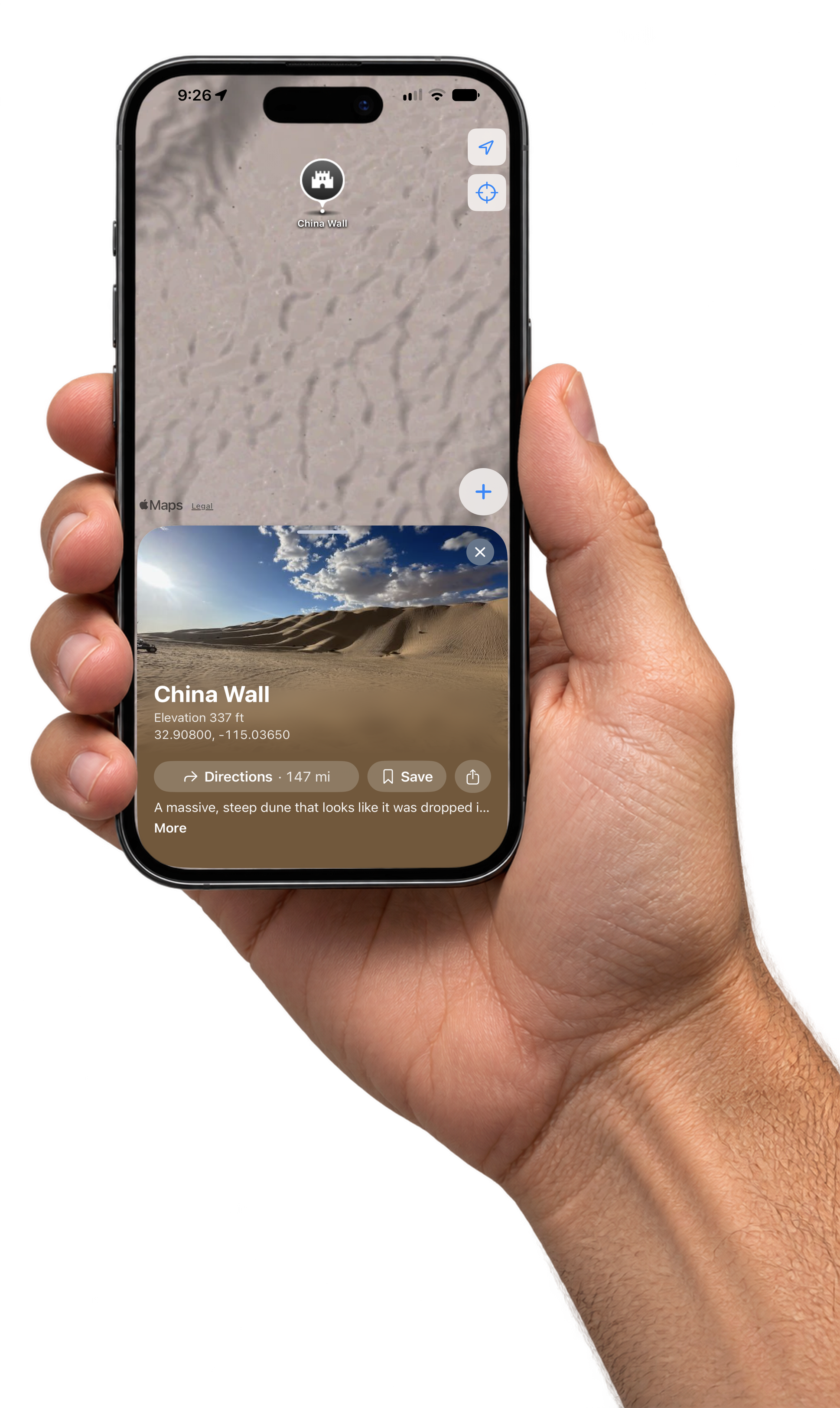
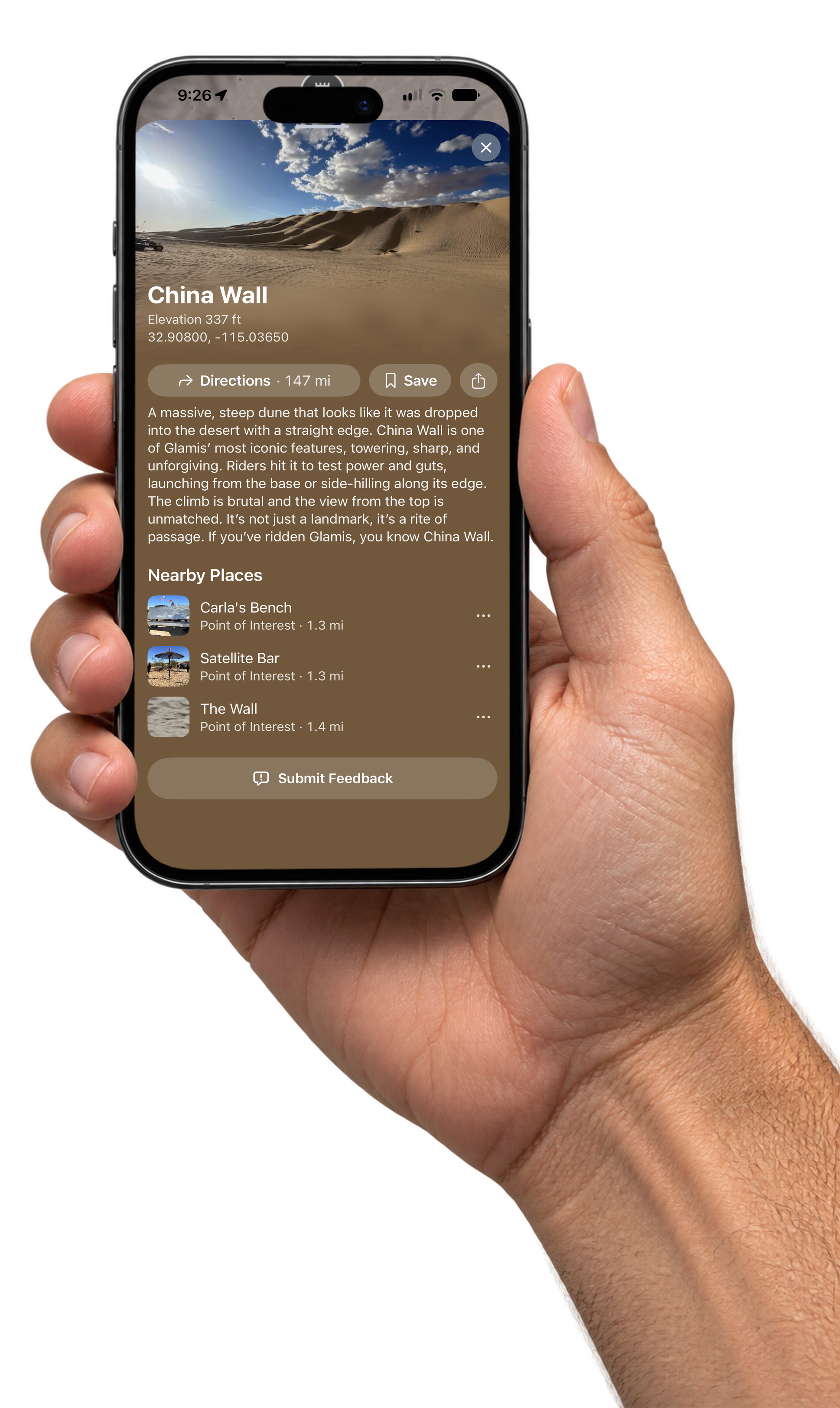
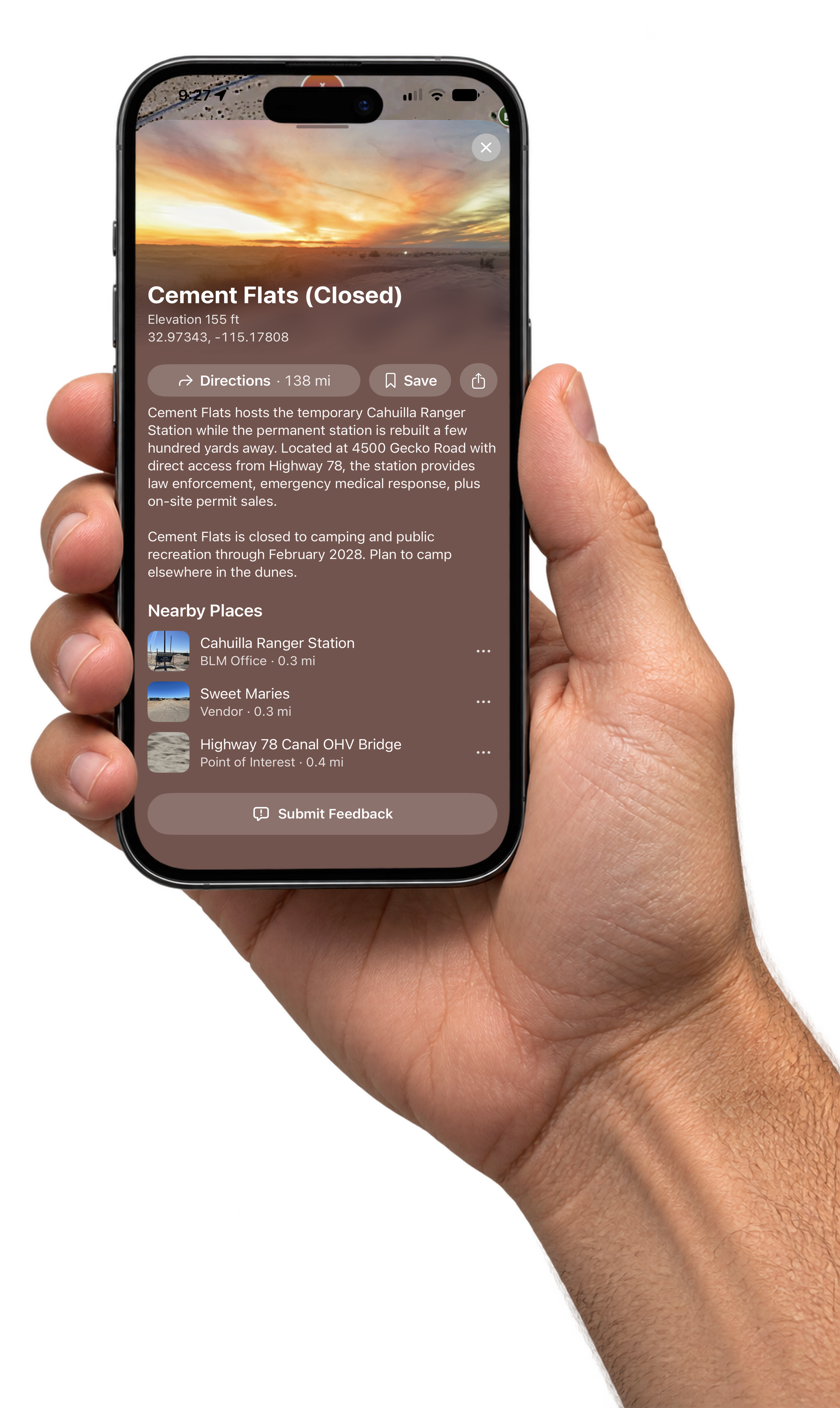
In Hand
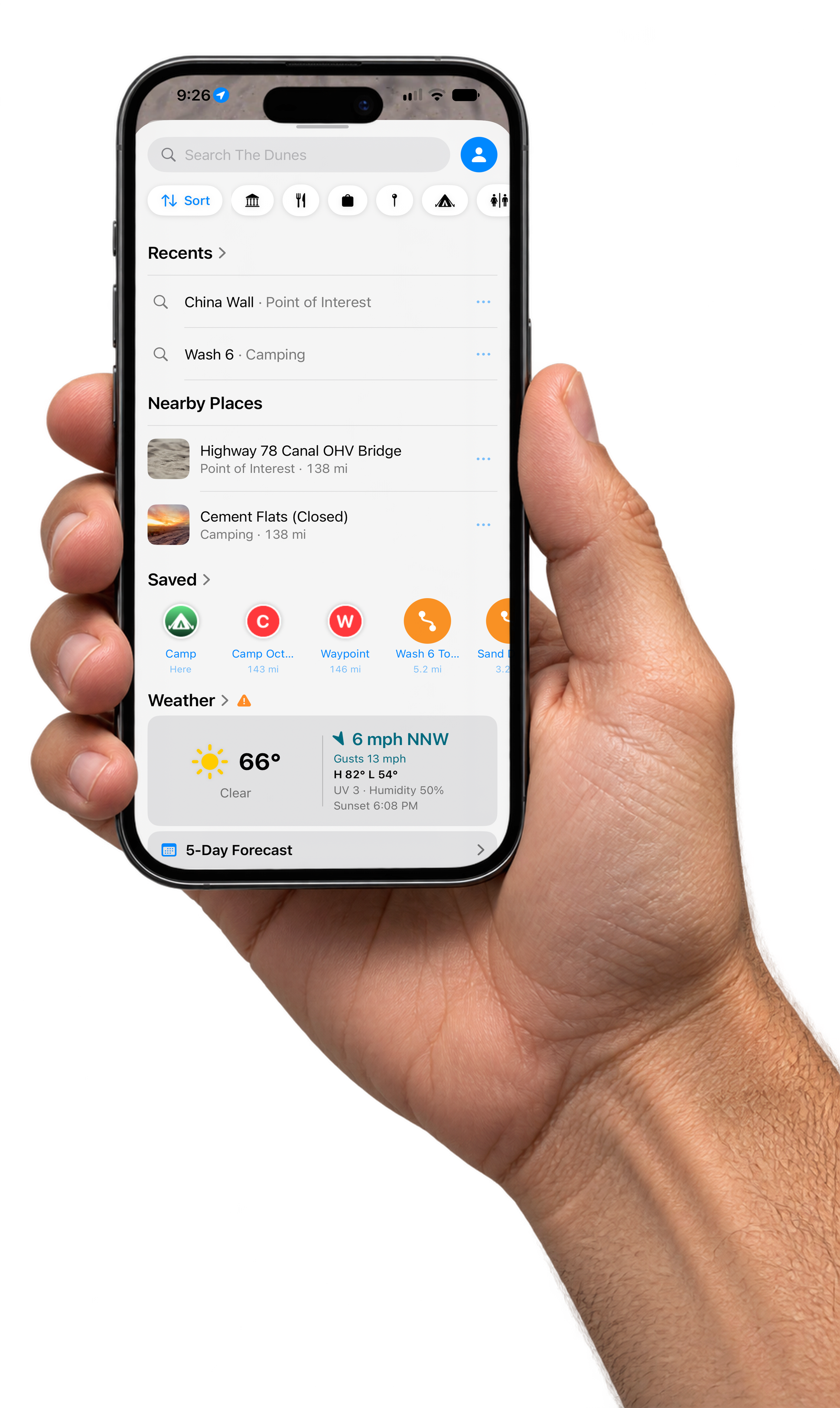
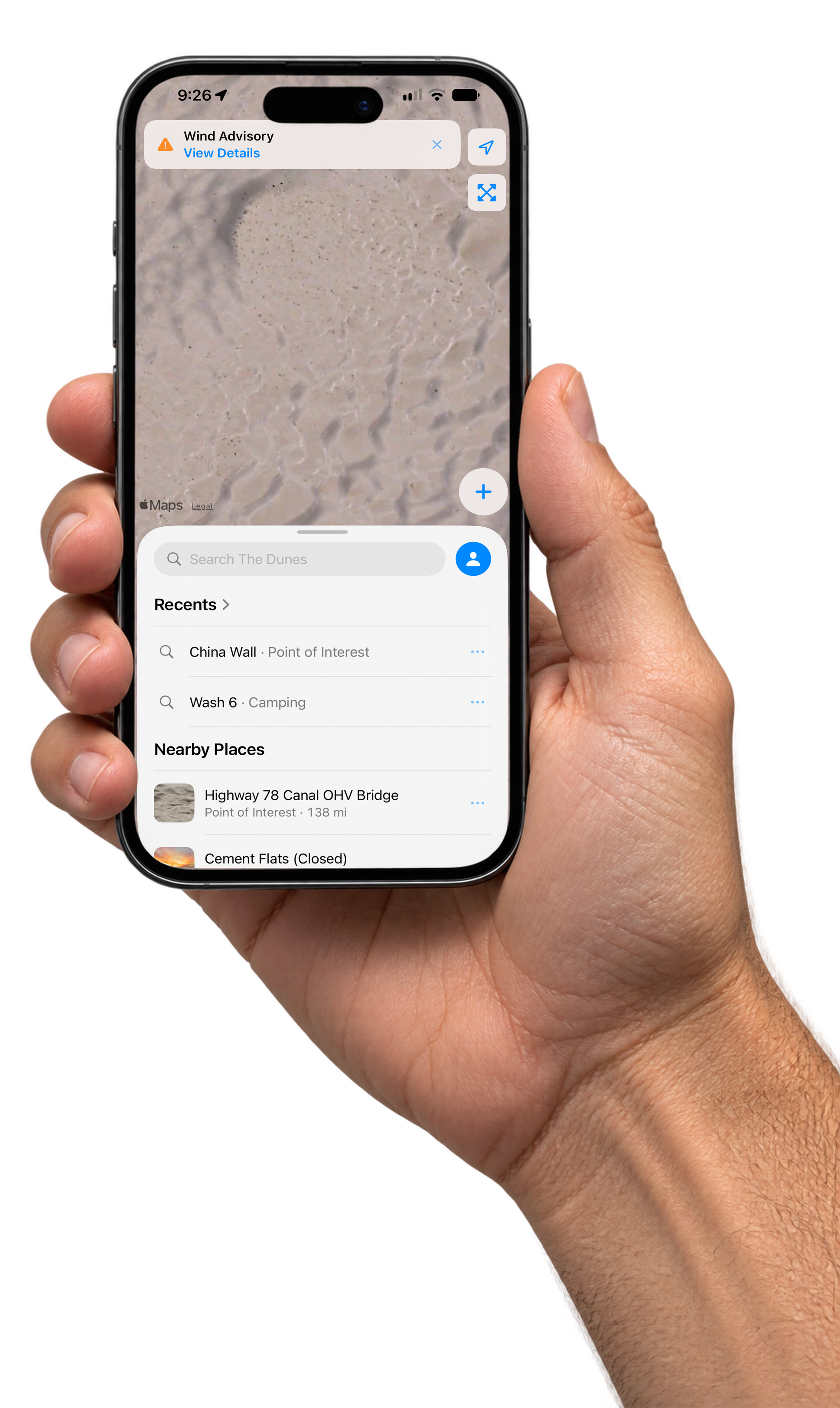
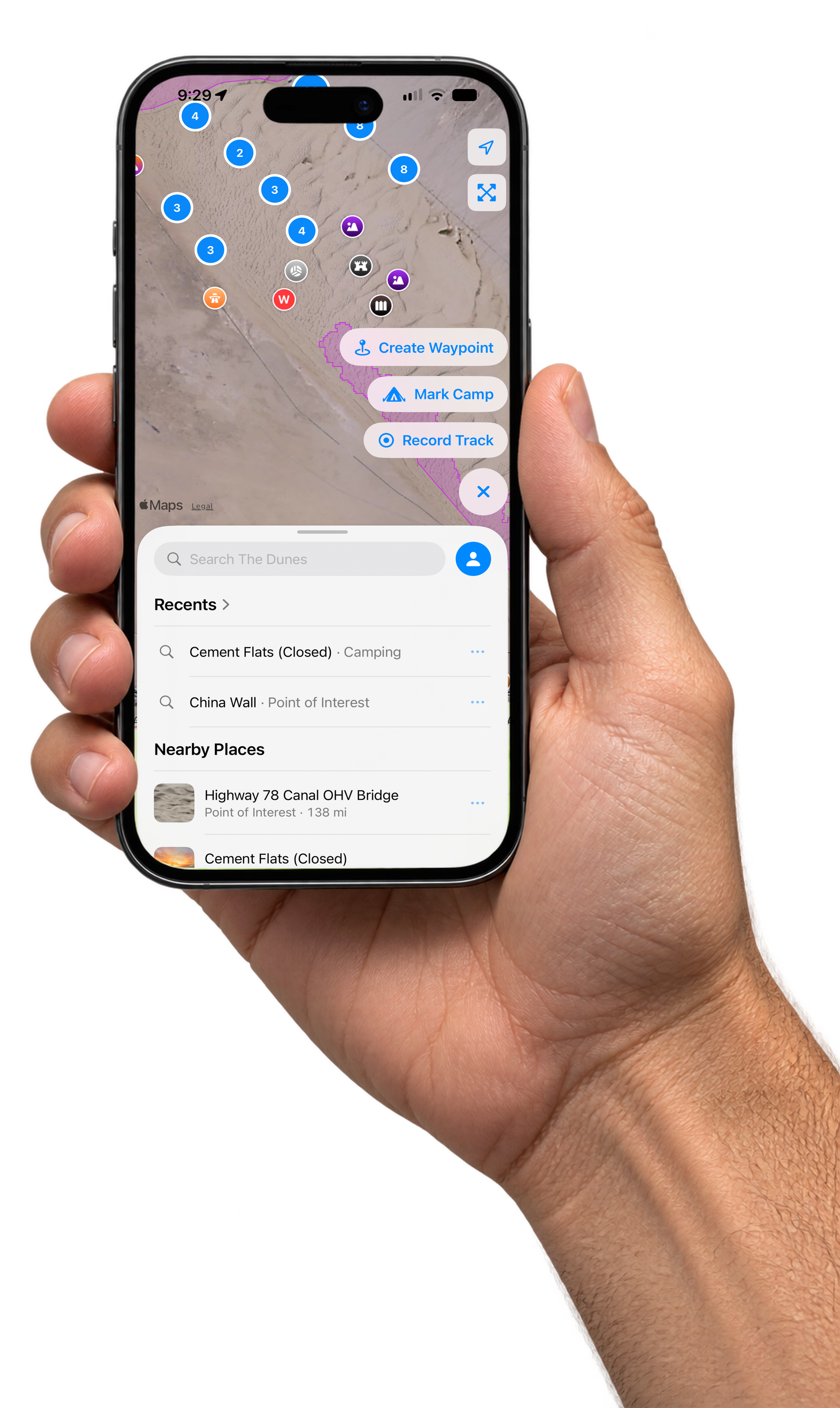
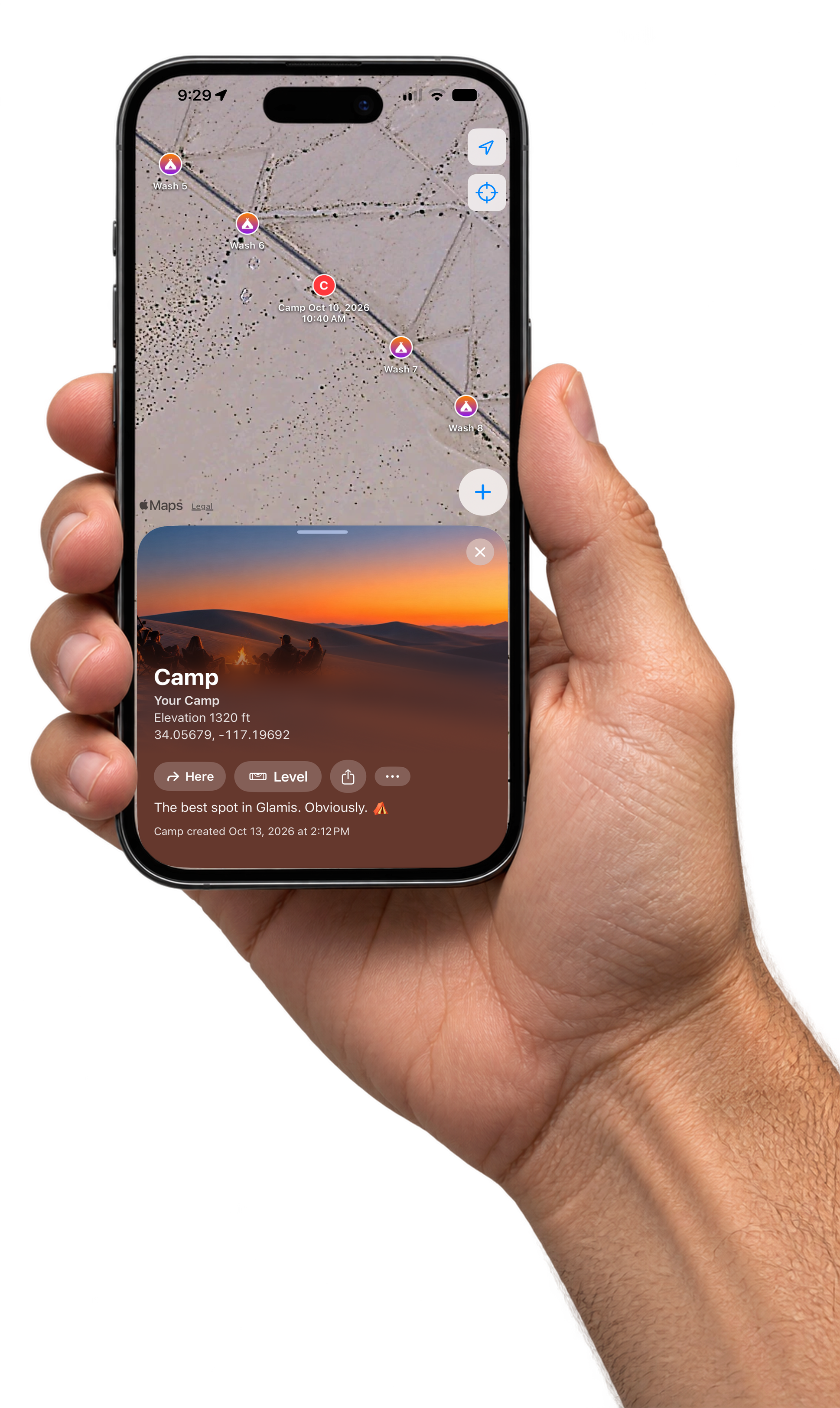
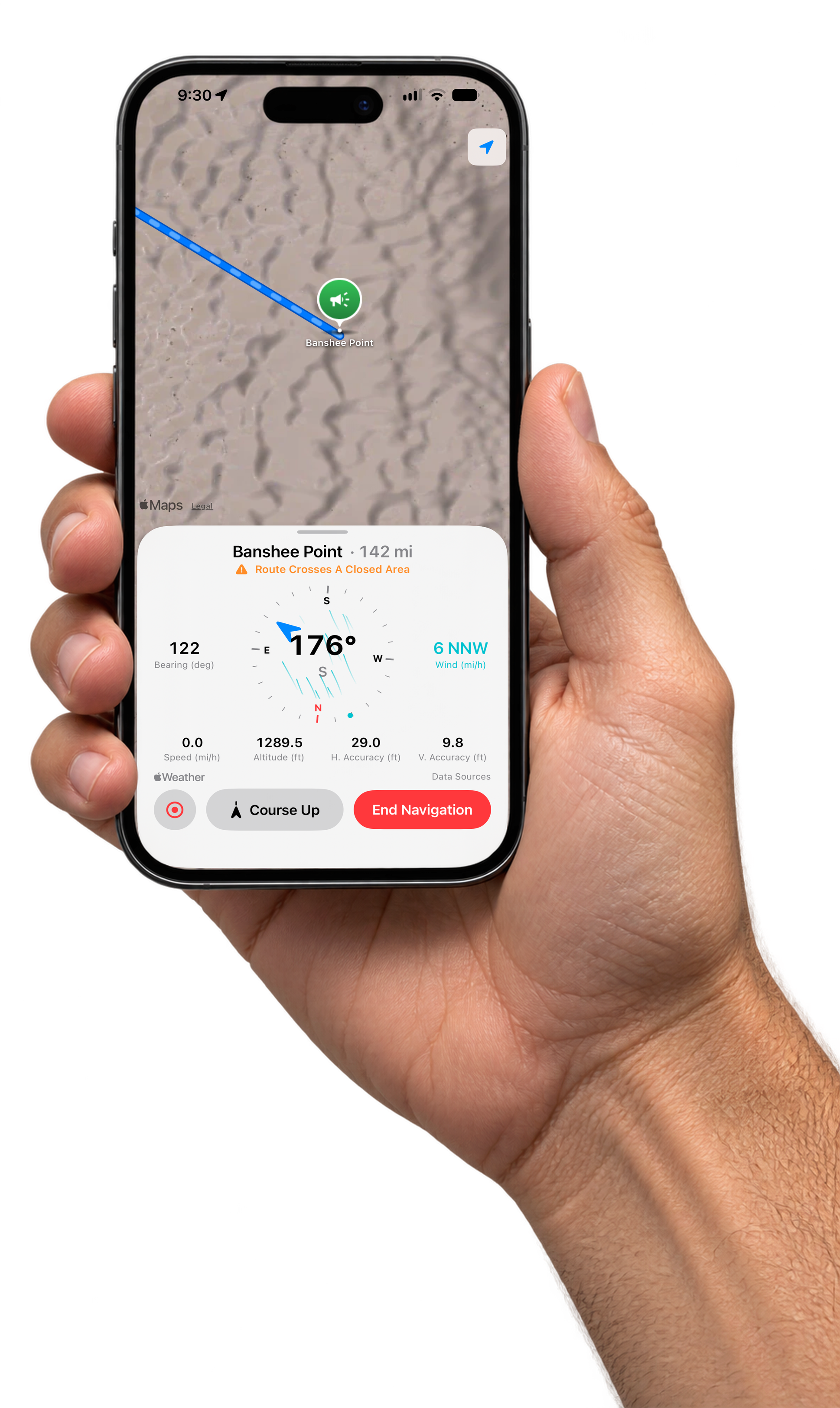
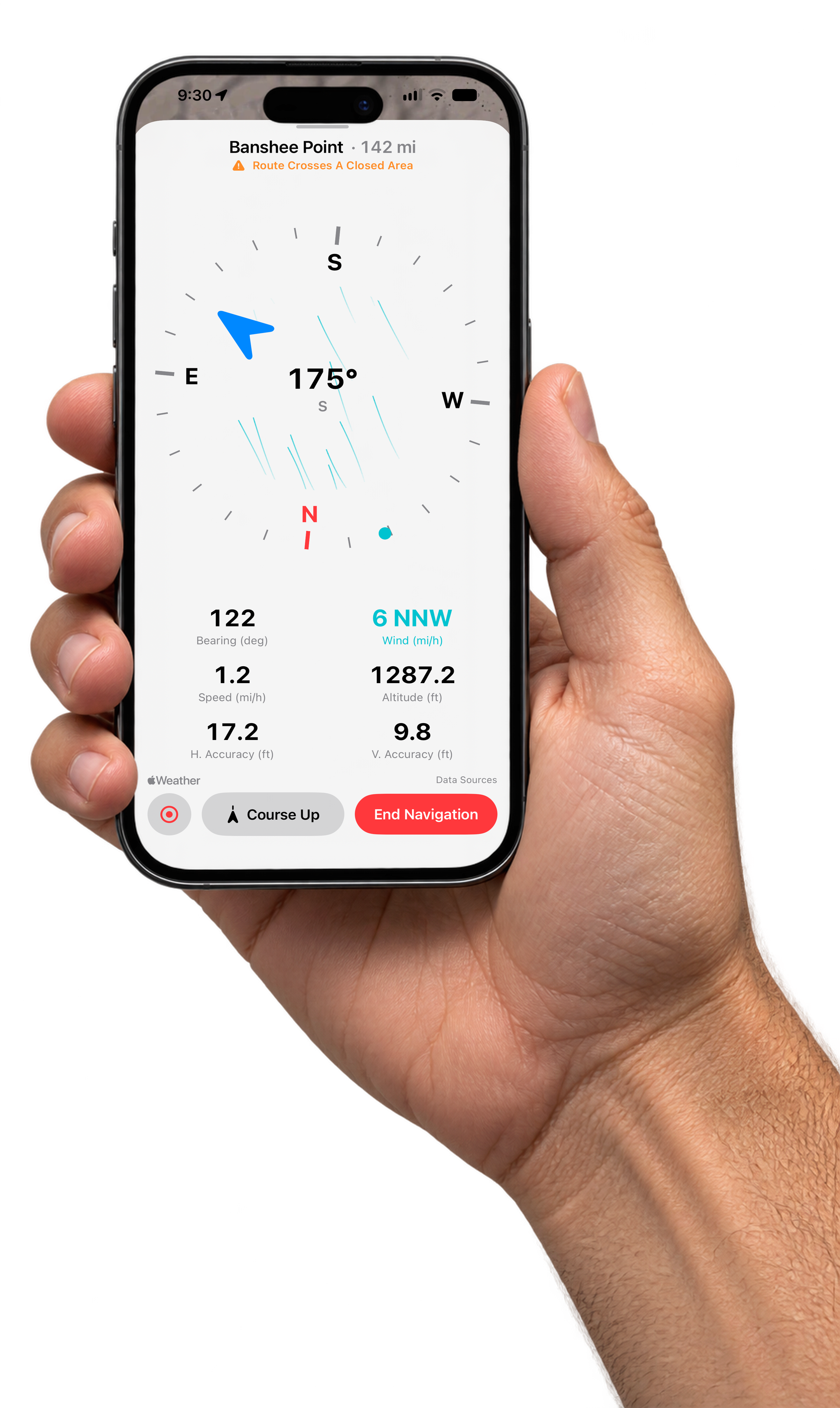
The same screens on an iPhone held in hand. Made for Stories and Reels covers.
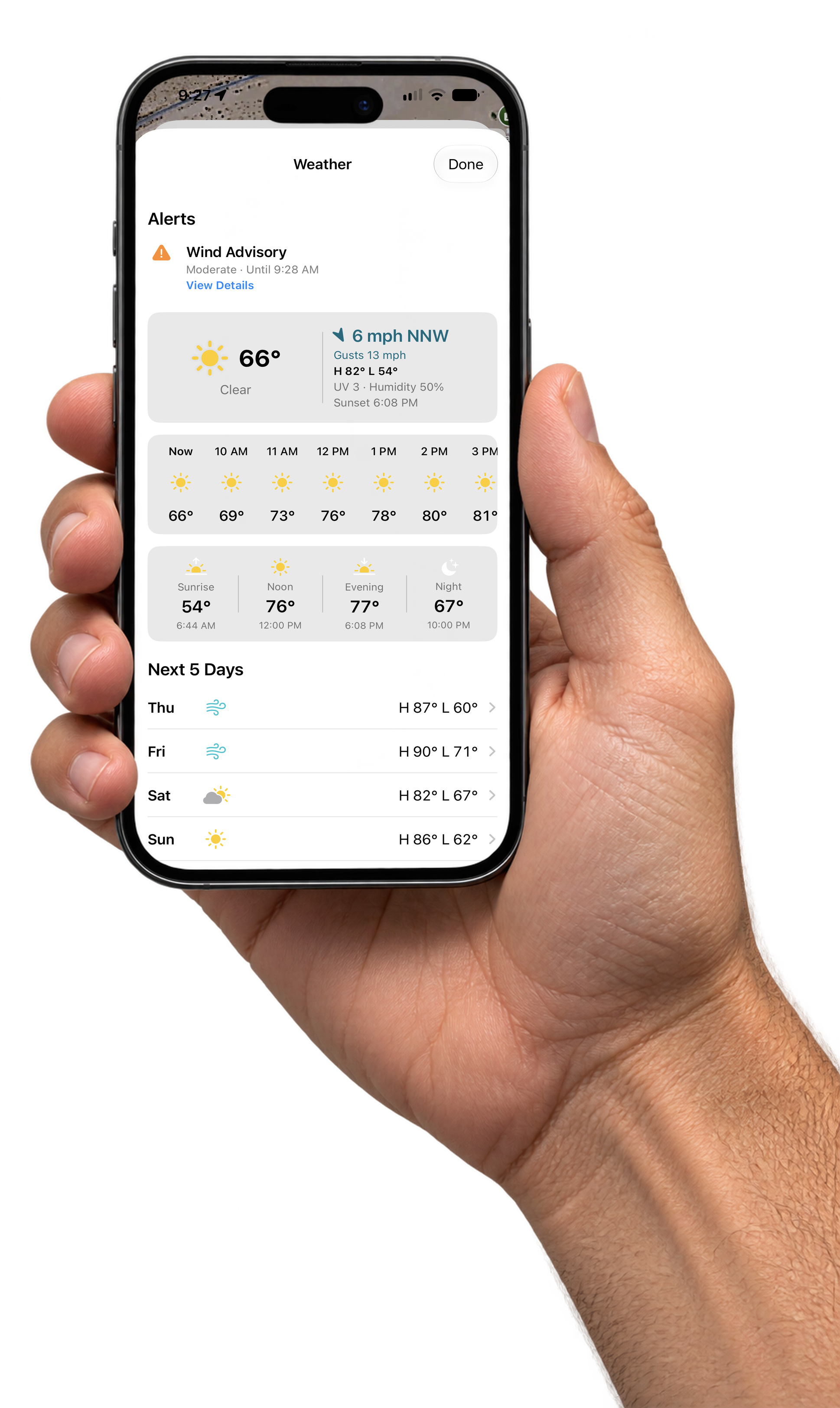
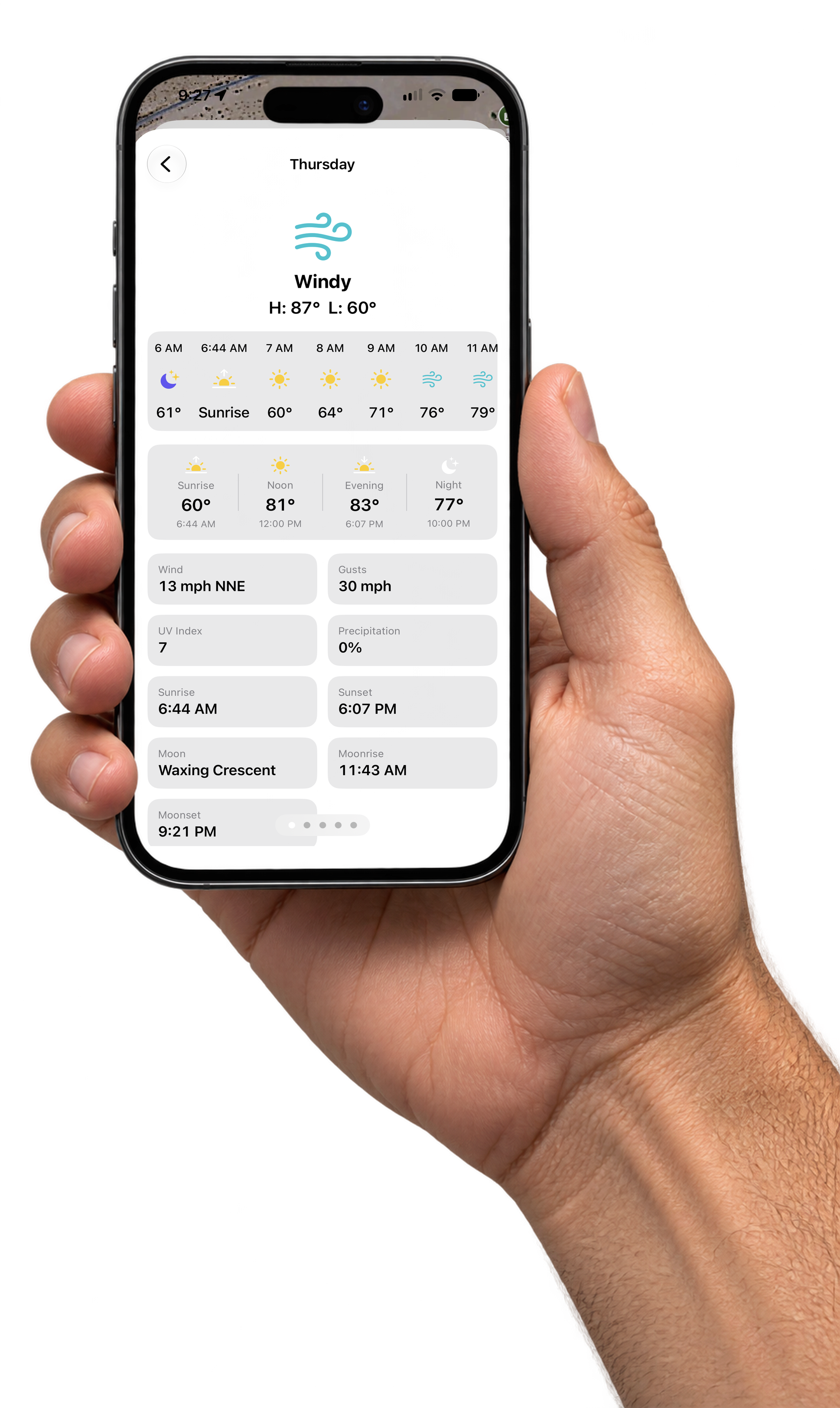
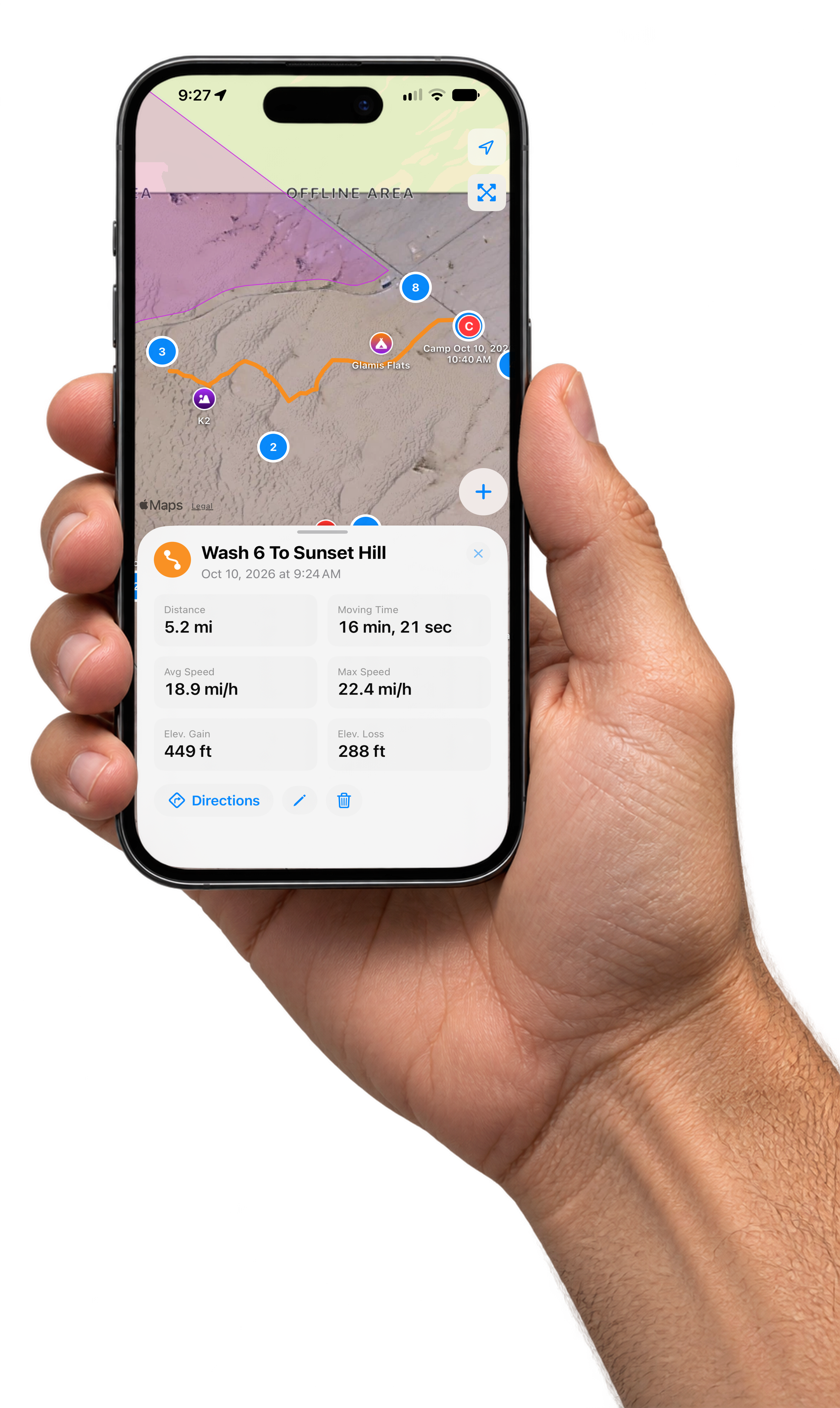
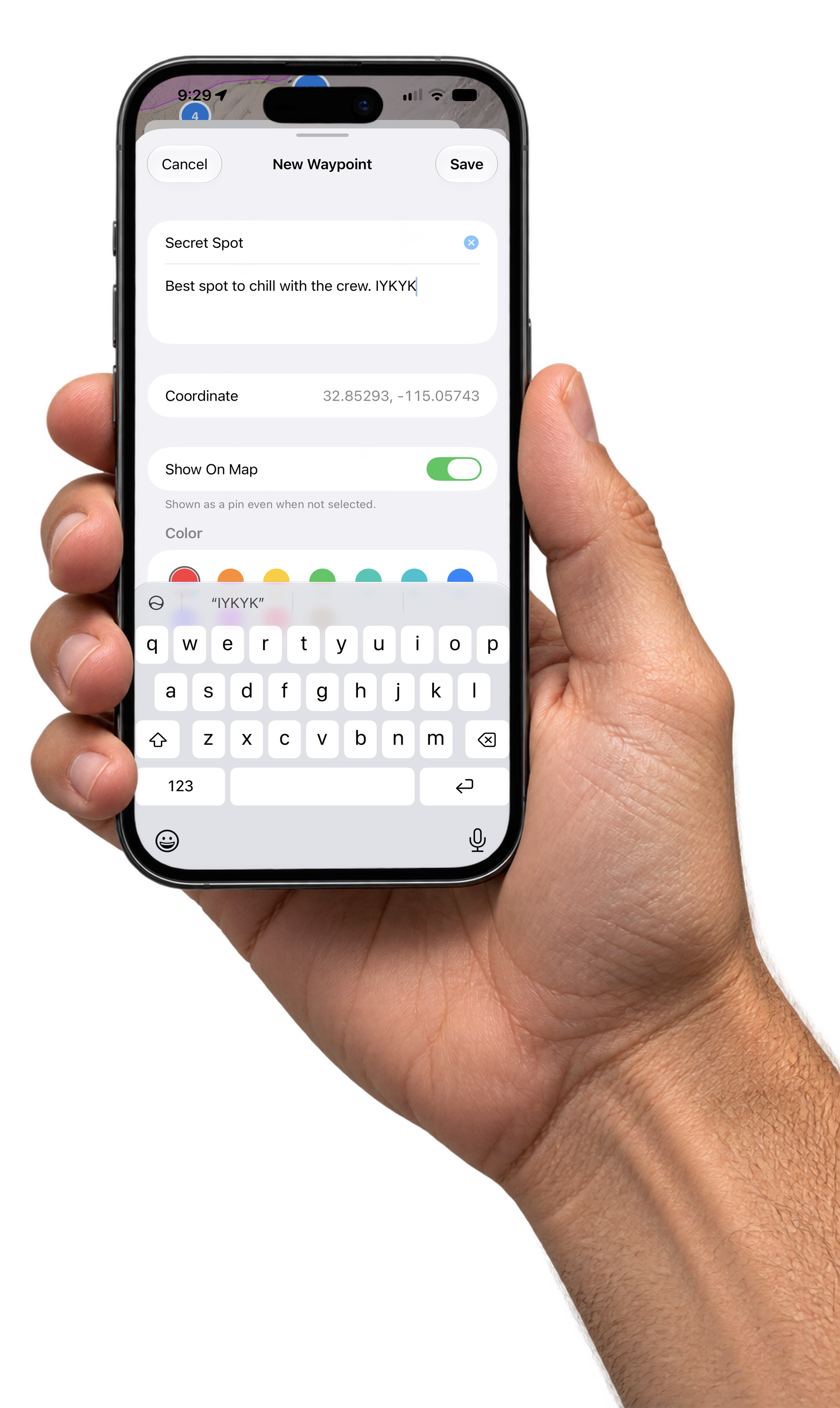
Icon And Photos
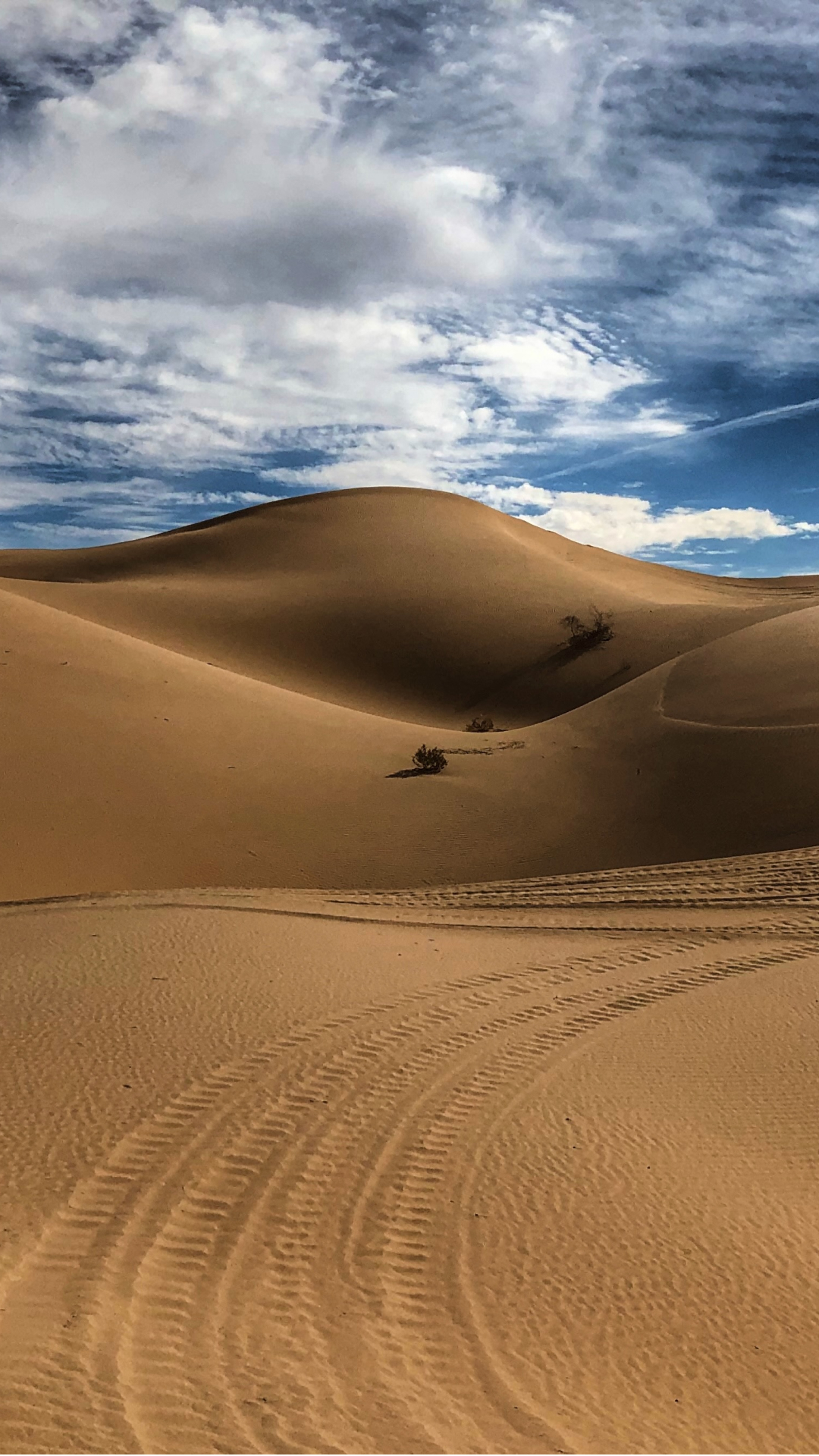
The app icon, the official App Store badge, a dune photo and the brand background.



Usage Rules
- Use the app icon as is. Do not recolor, crop, stretch, outline, add effects to or redraw it. Give it some breathing room on busy backgrounds.
- Use the App Store badge as is. It is Apple's artwork. Keep it unaltered and link it to your tracking link.
- Screenshots can be cropped, scaled and placed on any background. Do not edit what is on the screen.
- Pair every post with your tracking link so your downloads count. Get your link.
- Disclose it. Label posts with #ad or the platform's paid partnership label.
- Do not suggest Glamis Guide is made or endorsed by the BLM, Apple or any brand shown in your post.
Need something that is not here? Email support@glamisguide.app.