Glamis Guide / Apple Watch
Leave the phone in the bag.
Your camp is on your wrist.
Glamis Guide on Apple Watch marks camp, points you back to it, tracks your ride with the wrist down and retraces your path home.

An Arrow Home
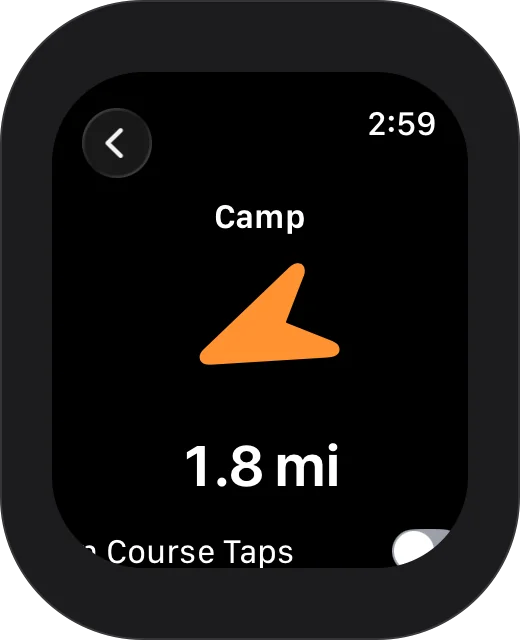
Mark Camp from your wrist, then follow a big arrow and a countdown back to it, or to any place or waypoint. The arrow turns green when you are headed the right way, and On Course Taps let you feel it.
Camp stays in sync with your iPhone both ways.
Ride
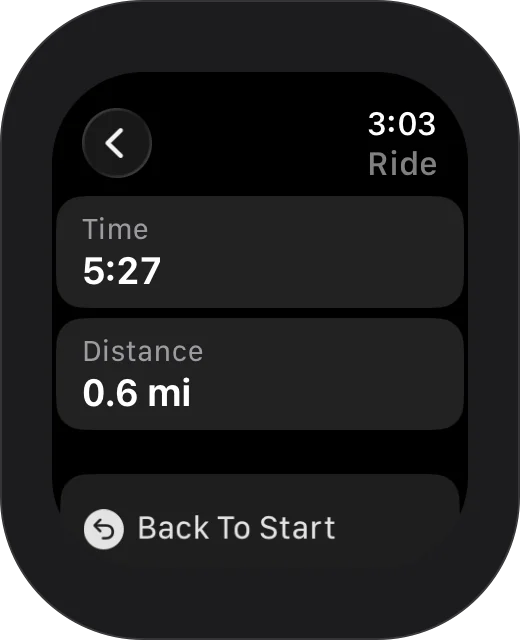
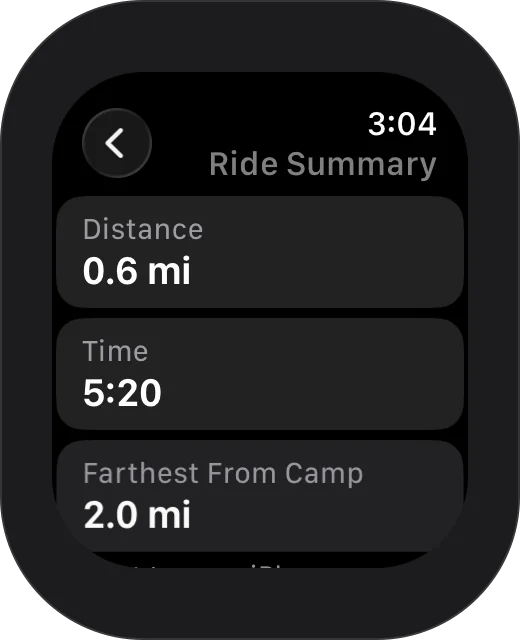
Start Ride keeps the watch tracking you with your wrist down. End Ride shows how far and how long you rode, and sends the ride to your iPhone as a track.
Turn on Save Rides To Health to keep each ride as a workout in the Health app.
Back To Start
Leads you back along the exact path you rode.
Watch Faces
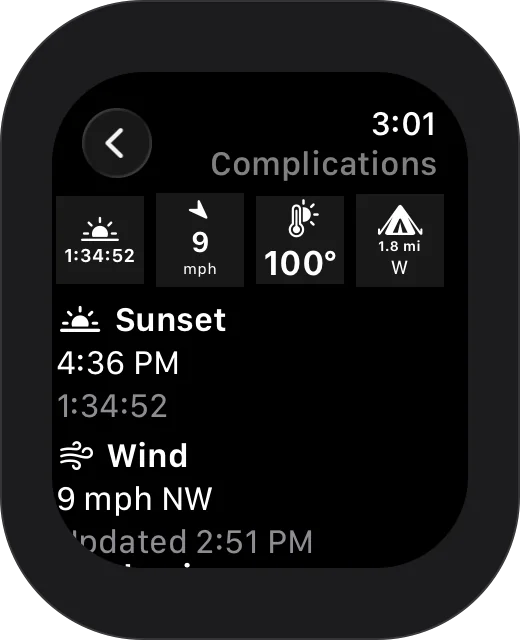
Complications for the sunset countdown, wind, temperature and the way to camp. Glamis weather.
Just Ask
On the watch, say “Mark camp”, “Take me to camp” or “How far to Oldsmobile Hill”, each with “in Glamis Guide” at the end. See every phrase.
Level Your RV
Lay your iPhone flat in the RV and the watch shows which side to raise, right at the jacks. How leveling works.

Every dune, offline.
Free on the App Store. Requires iOS 17 or later; the Apple Watch app requires watchOS 11 or later.