Glamis Guide / Record Your Ride
Record it. Follow it back.
Every ride, on the map.
Tap Record and ride. It keeps going with your phone locked, pauses on its own when you stop, and ends with distance, moving time, top speed and climb.

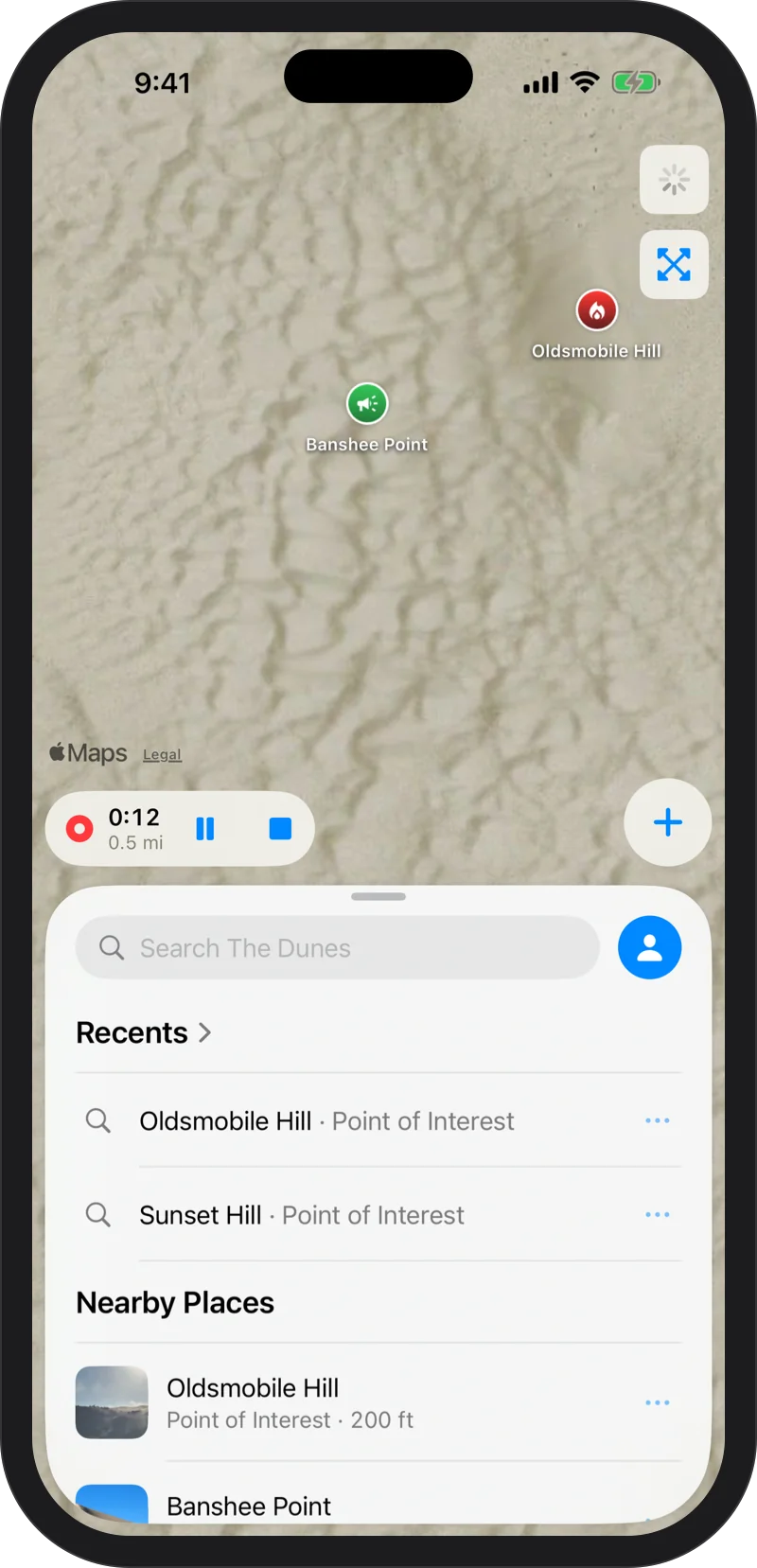
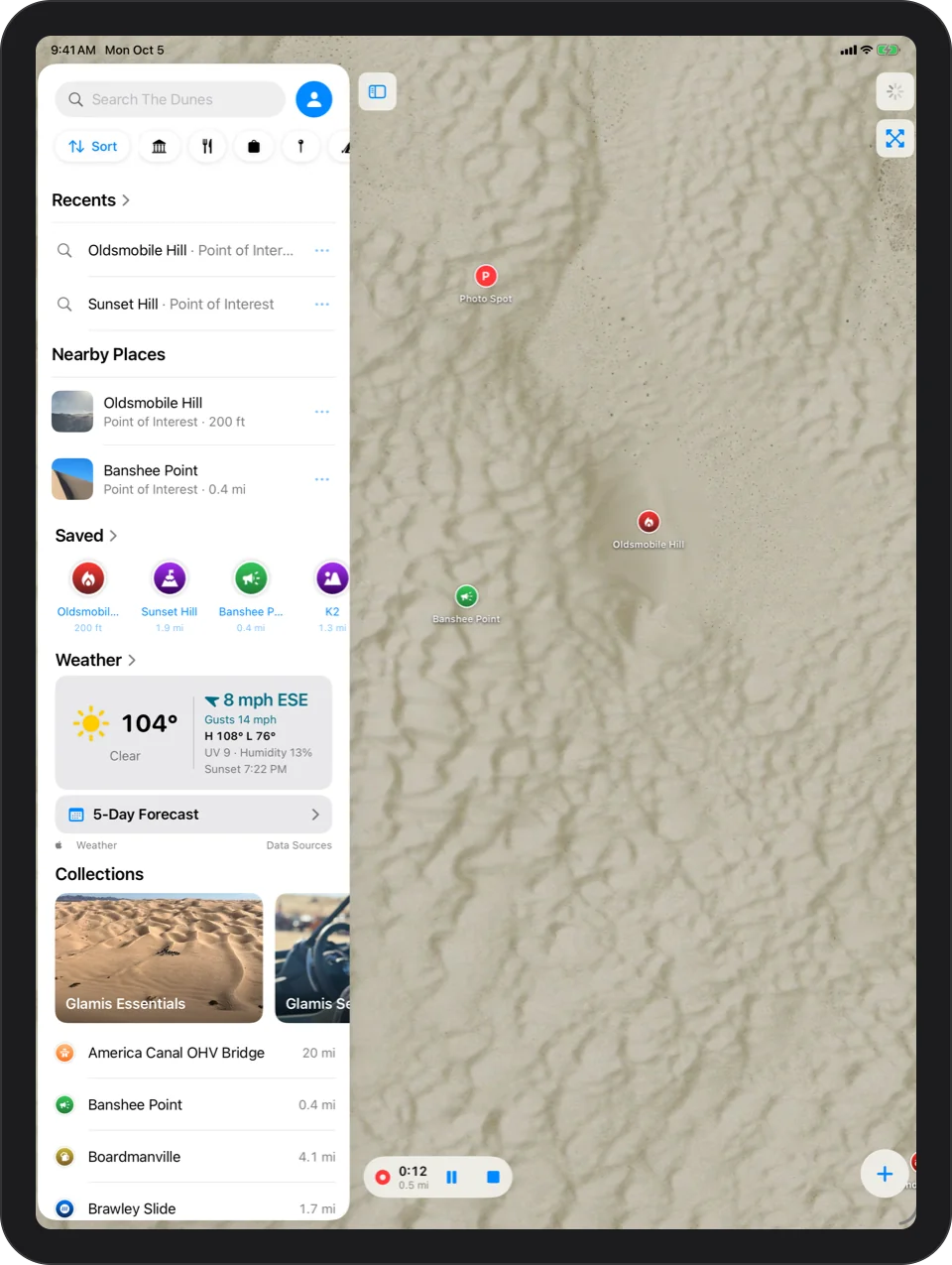
Tap Record And Ride
Record Track, from the + button, a widget, a control or Siri, records your ride with the phone locked and keeps going if the app is closed. “Hey Siri, record my ride in Glamis Guide” starts it hands free.
Auto-Pause
Stop for 3 minutes and recording pauses on its own, then picks up again when you move, so moving time is real riding time. Battery Saver While Recording, under Settings, then General, records a point about every 10 m instead of every 5 m.
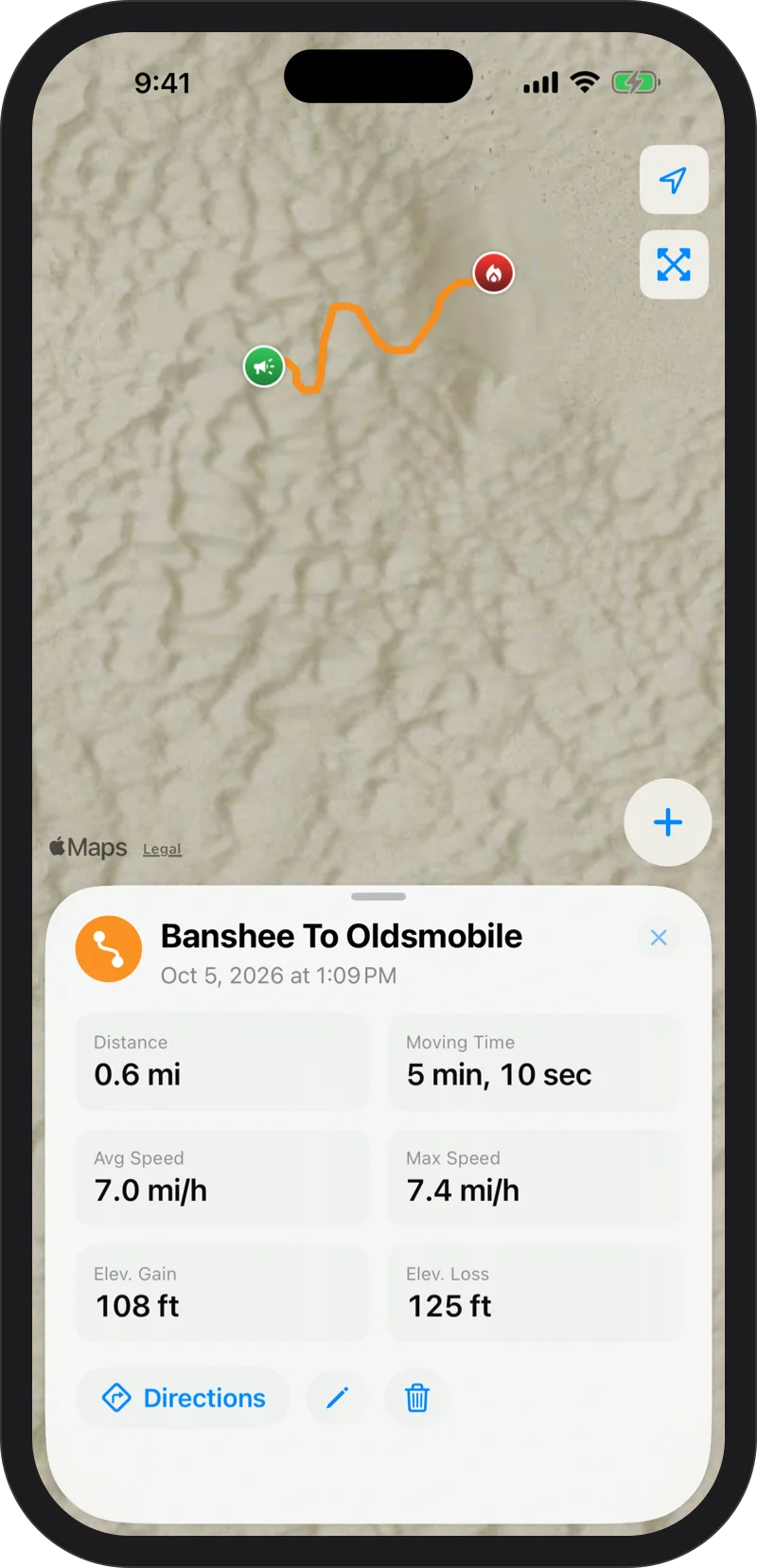
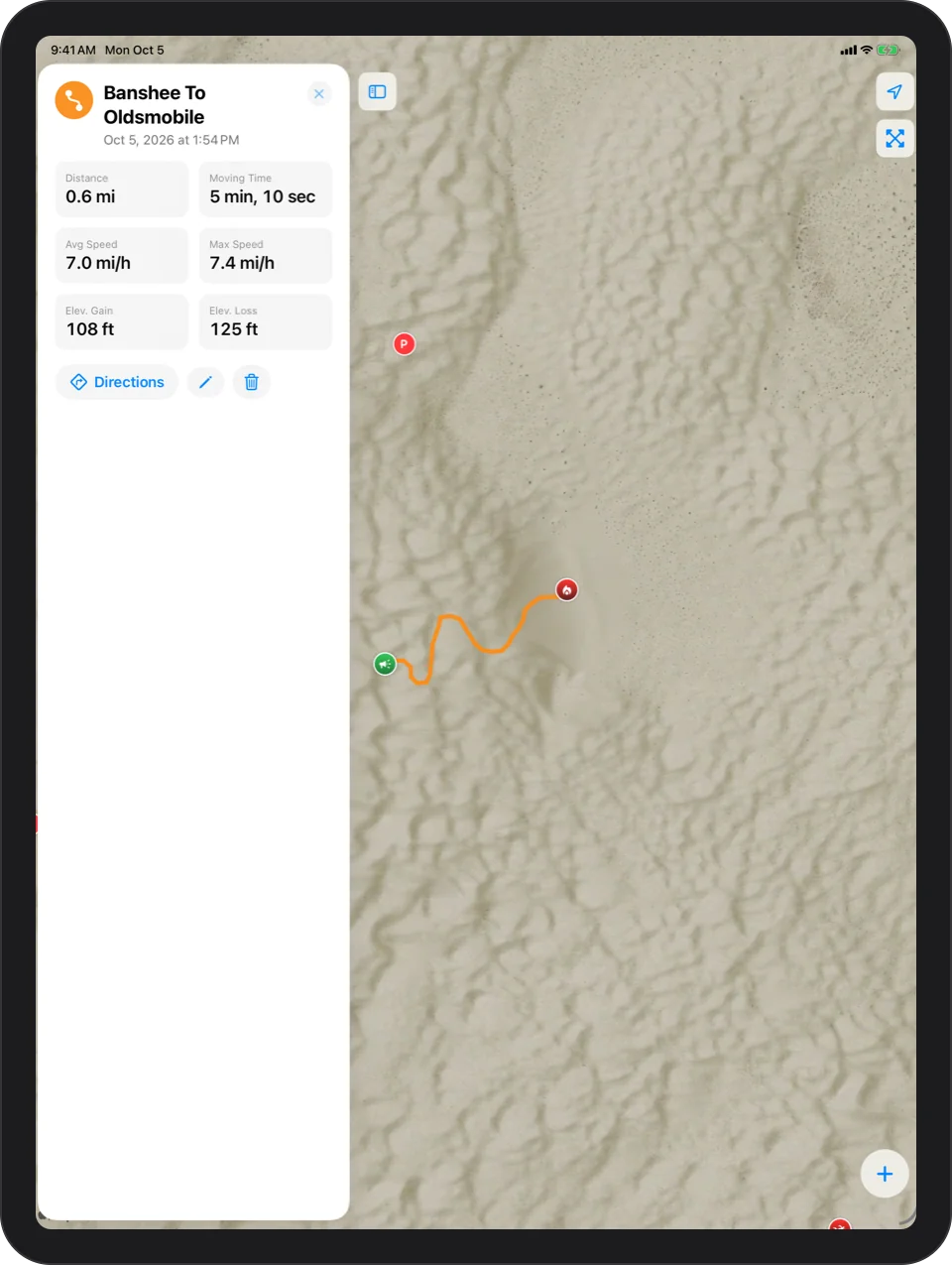
A Finished Track
Every track is drawn on the map with its distance, moving time, average and top speed, and climb and descent.
Follow A Track Back
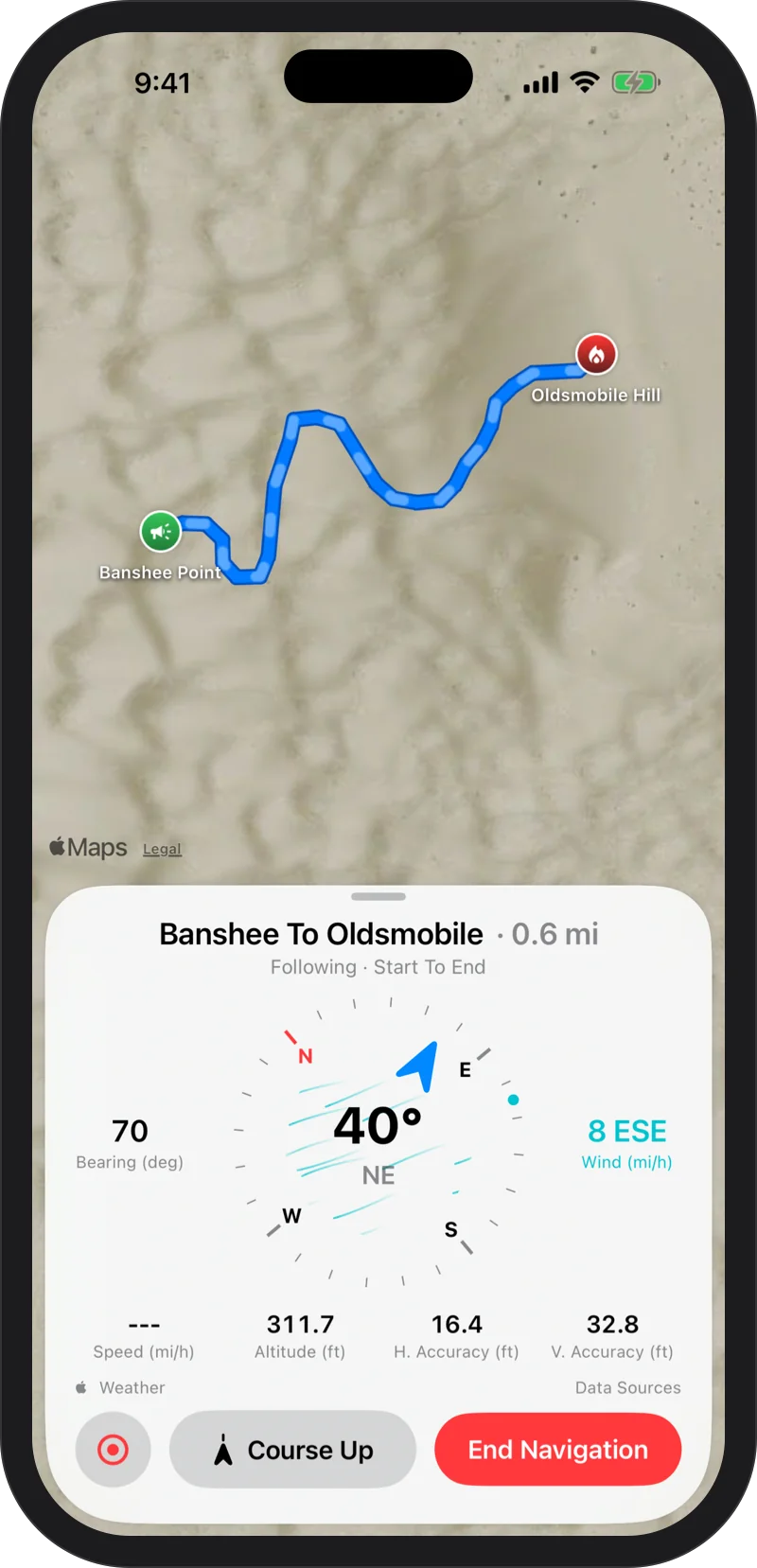
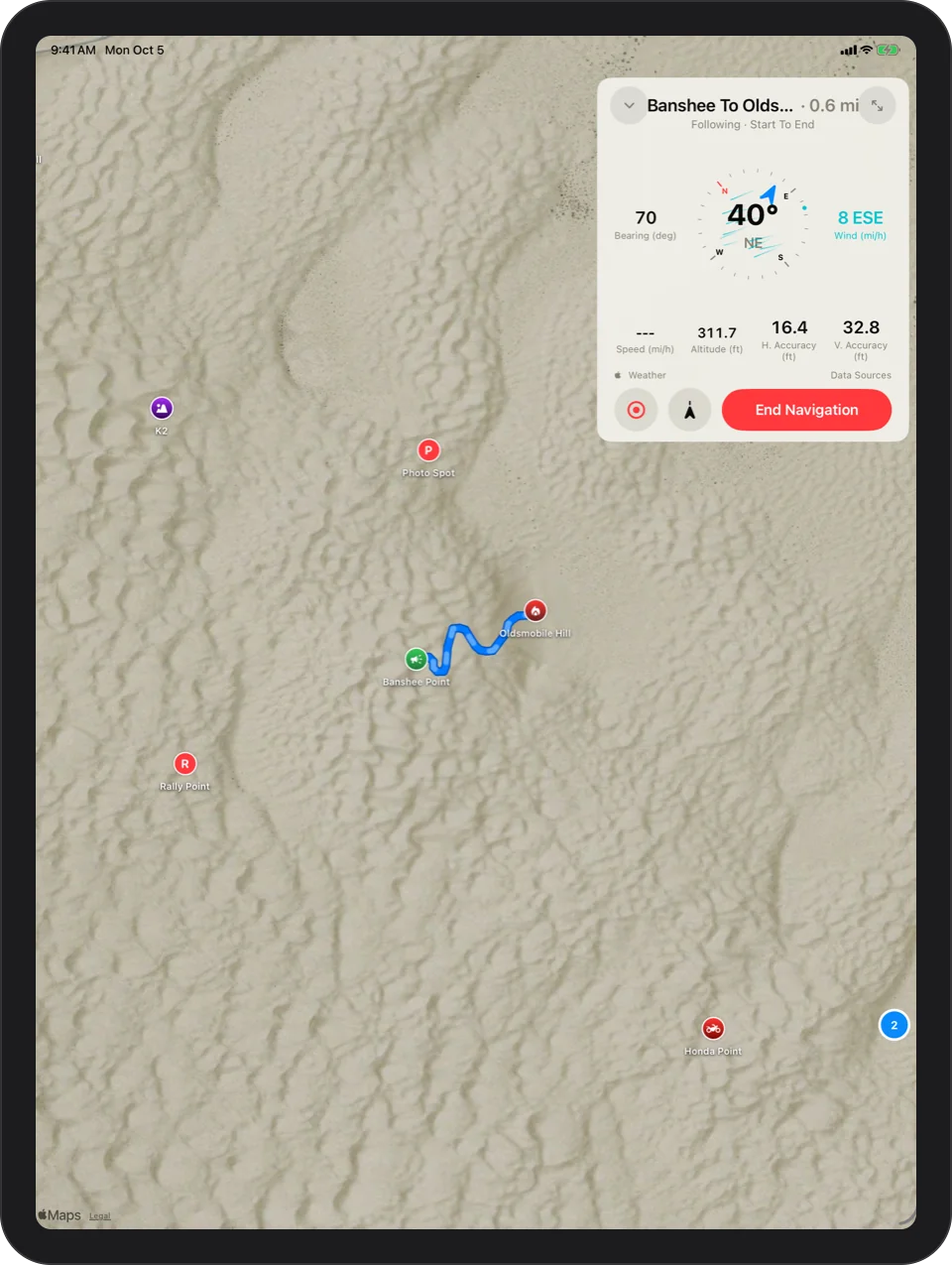
Any track becomes directions, start to end or end to start: the trail ahead in blue and the part already ridden faded.
Drift about 500 ft off the track and an Off Route alert sounds. It clears when you are back on.
Rides From Your Watch
Start Ride on Apple Watch keeps tracking with your wrist down. End Ride sends the ride to your iPhone as a track, and Back To Start leads you back along the exact path you rode. Glamis Guide on Apple Watch.
Your Rides Stay Yours
Tracks live only on your phone. No account, no ads, no tracking. Privacy policy.

Every dune, offline.
Free on the App Store. Requires iOS 17 or later; the Apple Watch app requires watchOS 11 or later.