Glamis Guide / Mark Camp
Mark it. Find your way back.
Your camp, one tap away.
Tap once when you park and your camp is saved where you stand. Getting back is one tap from the app, a widget, Siri or your watch.

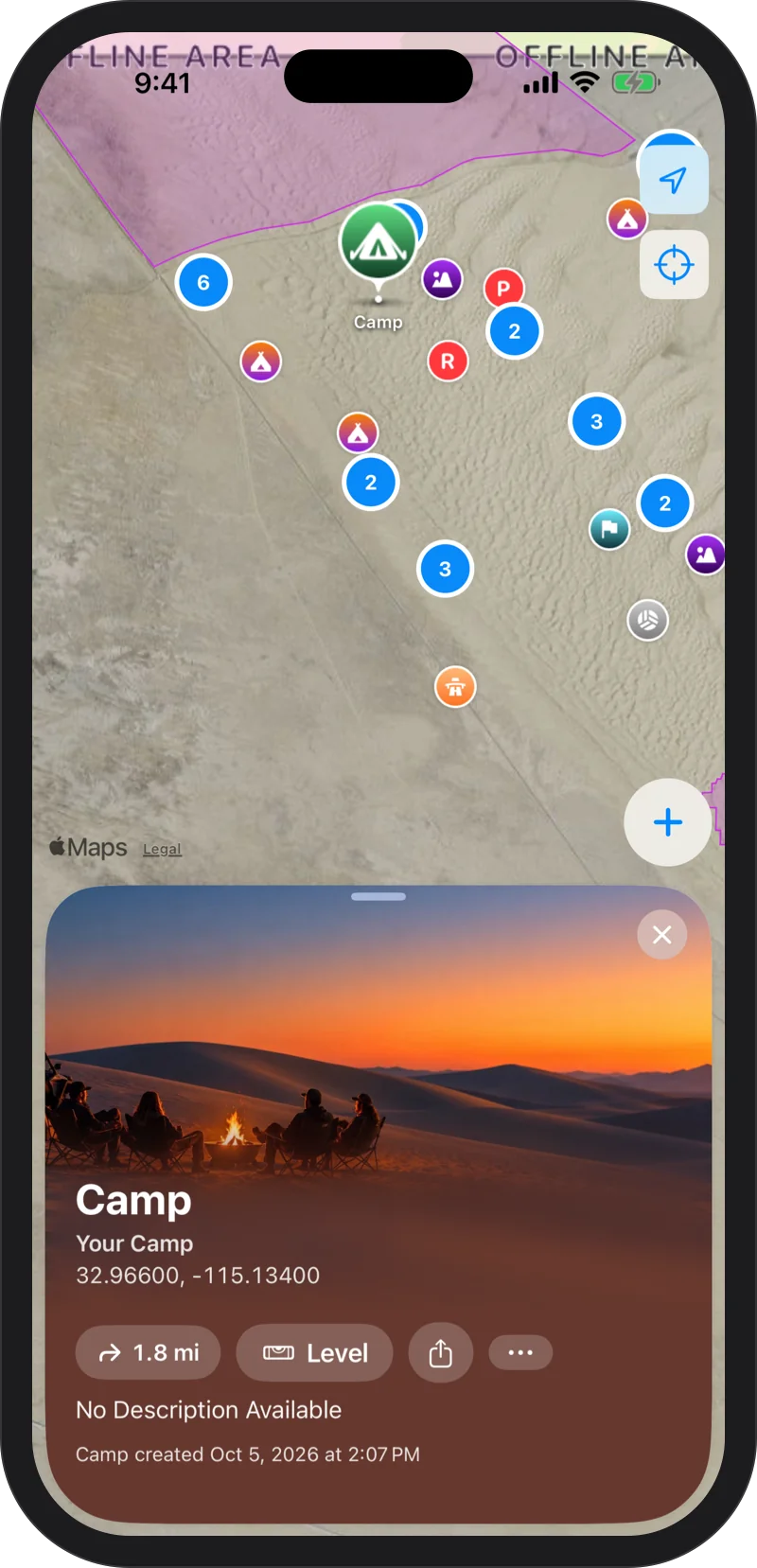
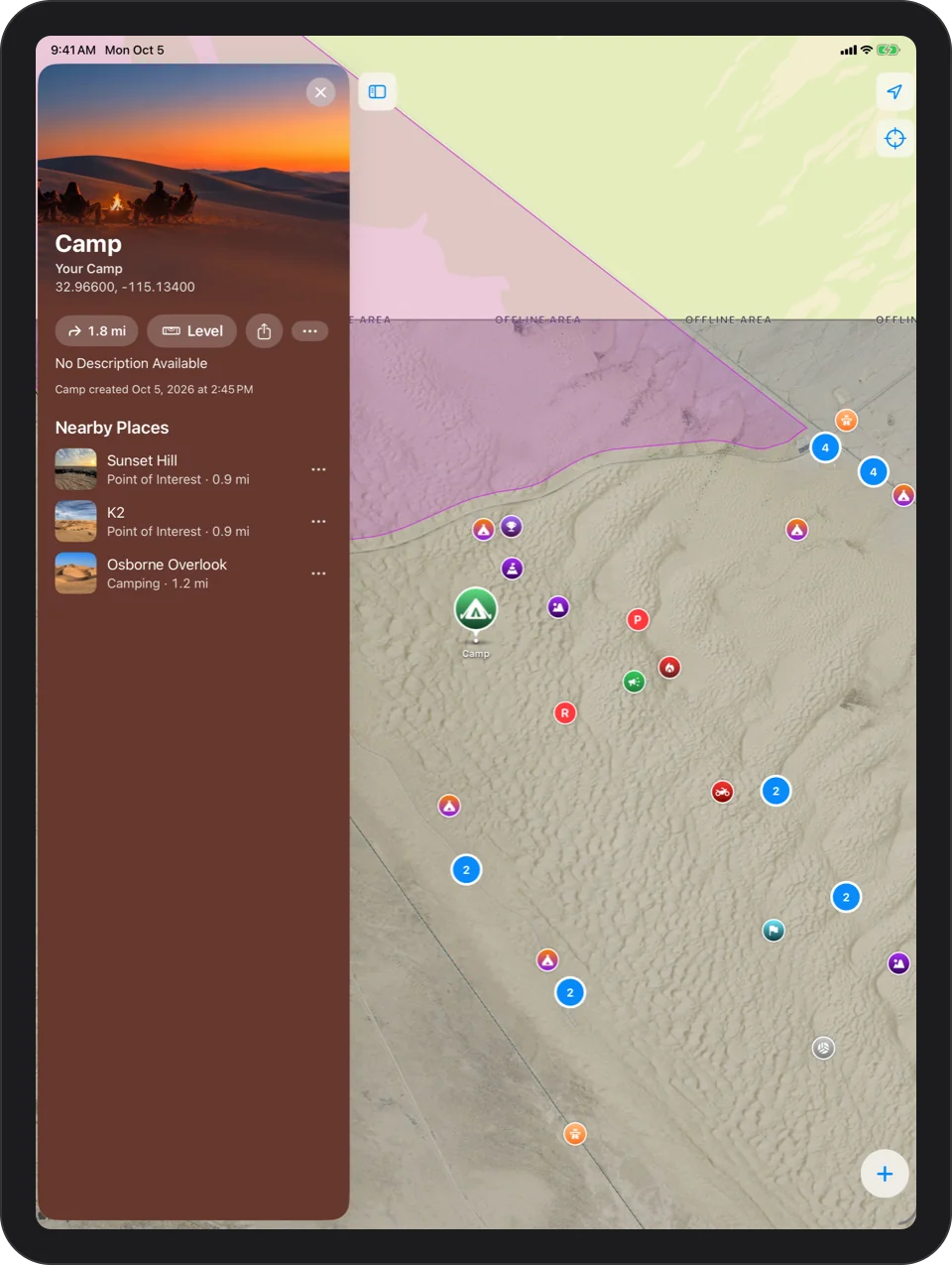
One Tap, Or None
Mark Camp from the + button, a widget, a control, Siri or your watch. There is one camp at a time: marking a new one keeps the old camp as a dated waypoint, and Clear Camp removes it.
The Camp Widget
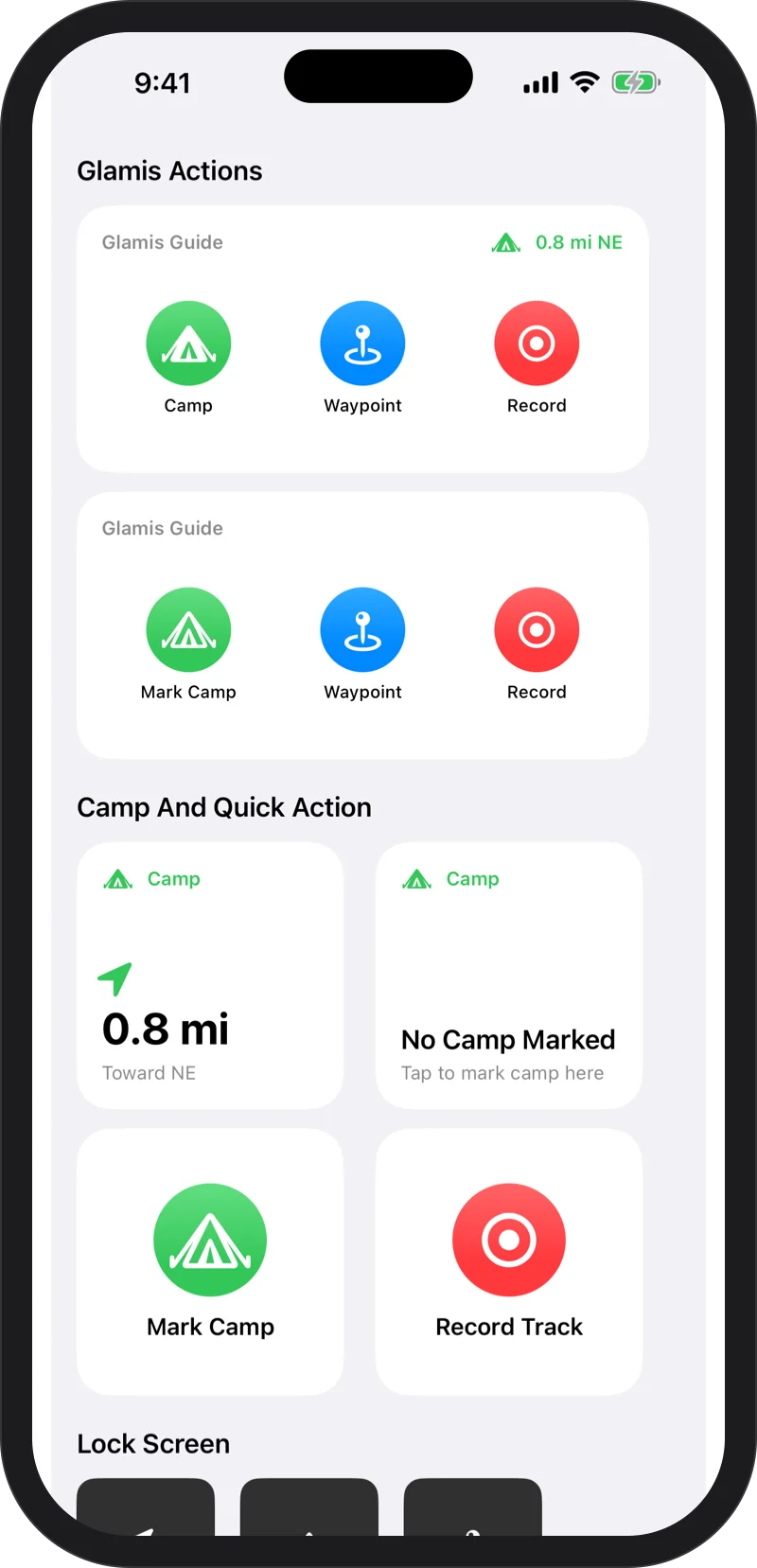
The Camp widget always shows how far camp is and which way, on your Home Screen and on your Lock Screen. Mark Camp, Waypoint and Record also live in Control Center and on the Action button.
Just Ask Siri
“Hey Siri, mark camp in Glamis Guide” saves your camp where you stand. No setup. On Apple Watch, “Take me to camp” points you home. See every phrase.
Getting Back To Camp
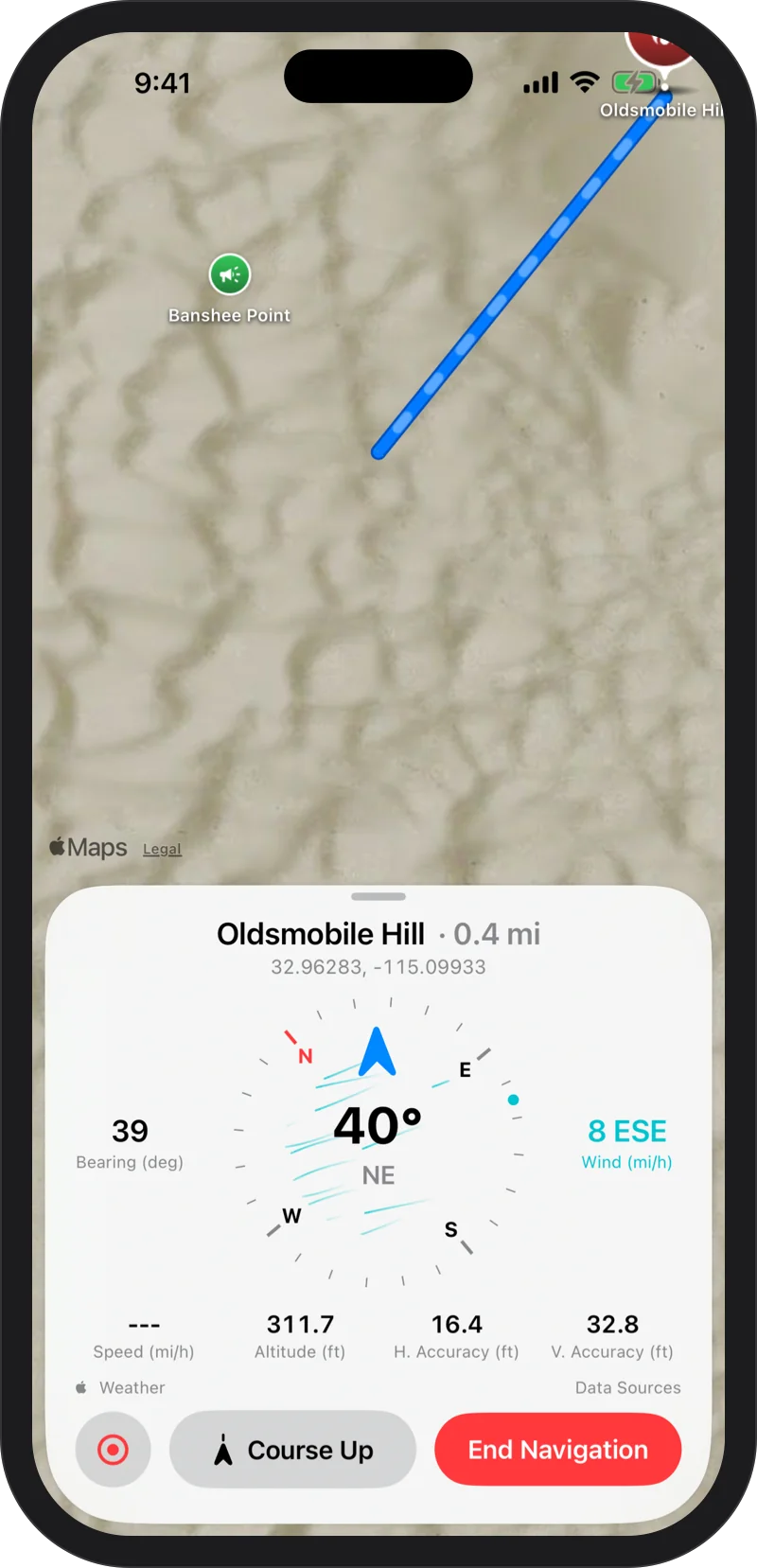
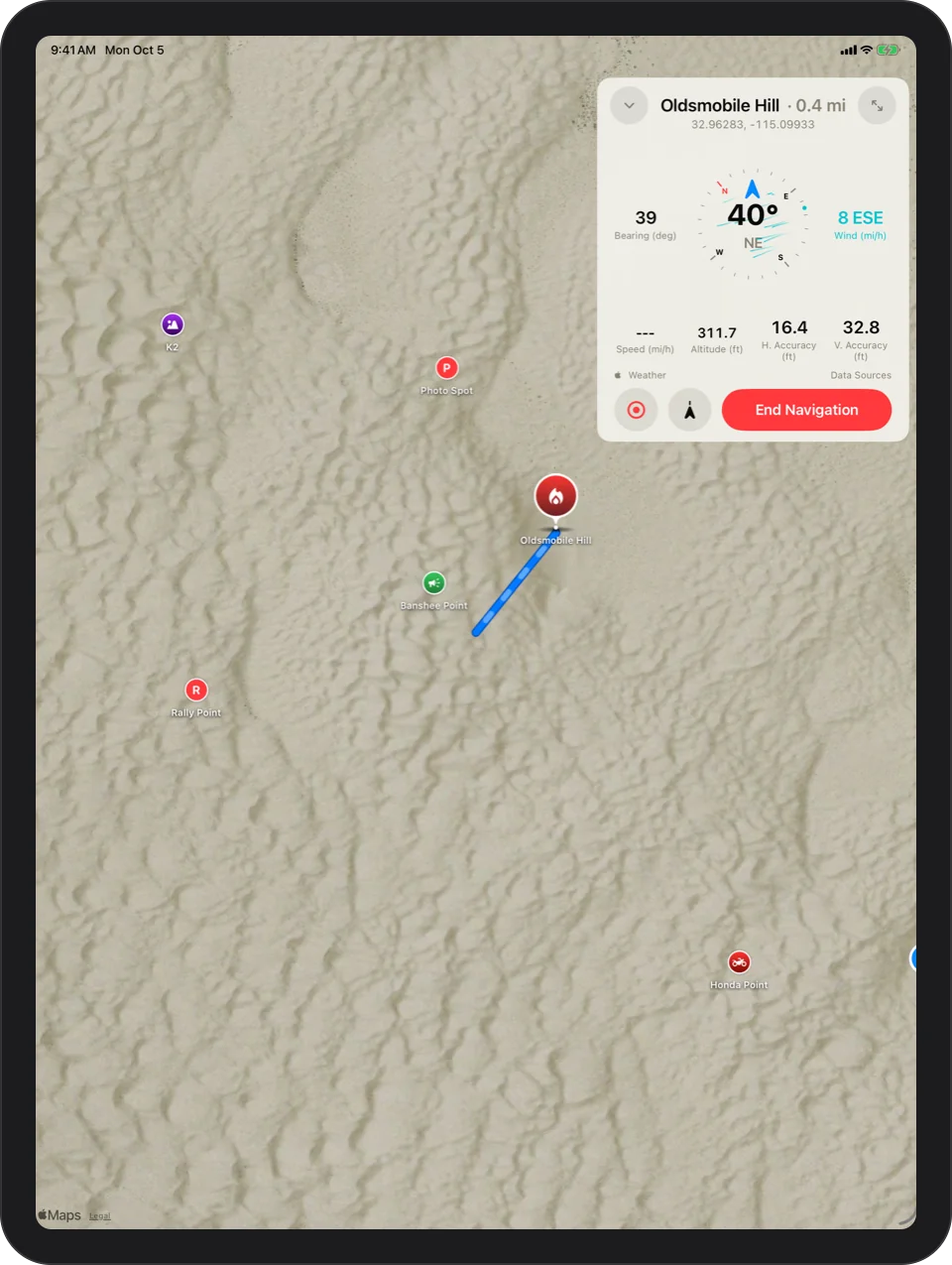
Once camp is marked, Navigate To Camp draws a straight line back to it, with live distance and a compass, from the app, a widget, a control or Siri. Long-press the app icon and Mark Camp becomes Navigate Back To Camp. How navigation works.
Camp On Your Wrist
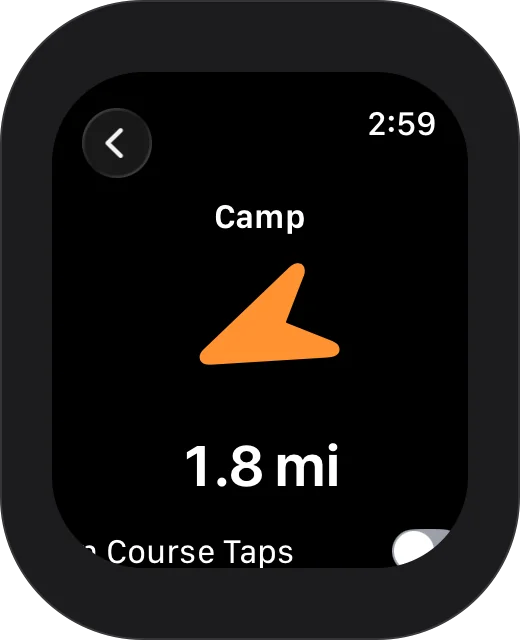
Mark Camp and Clear Camp work from Apple Watch, and camp stays in sync with your iPhone both ways. A big arrow and a countdown lead you back. Glamis Guide on Apple Watch.

Every dune, offline.
Free on the App Store. Requires iOS 17 or later; the Apple Watch app requires watchOS 11 or later.