Glamis Guide / Level Your RV
Level RV
Level the rig, then ride.
Glamis Guide levels your RV with the phone you already brought. Your iPhone measures inside and shows which side to raise. With Apple Watch, the same reading is right there at the jacks.

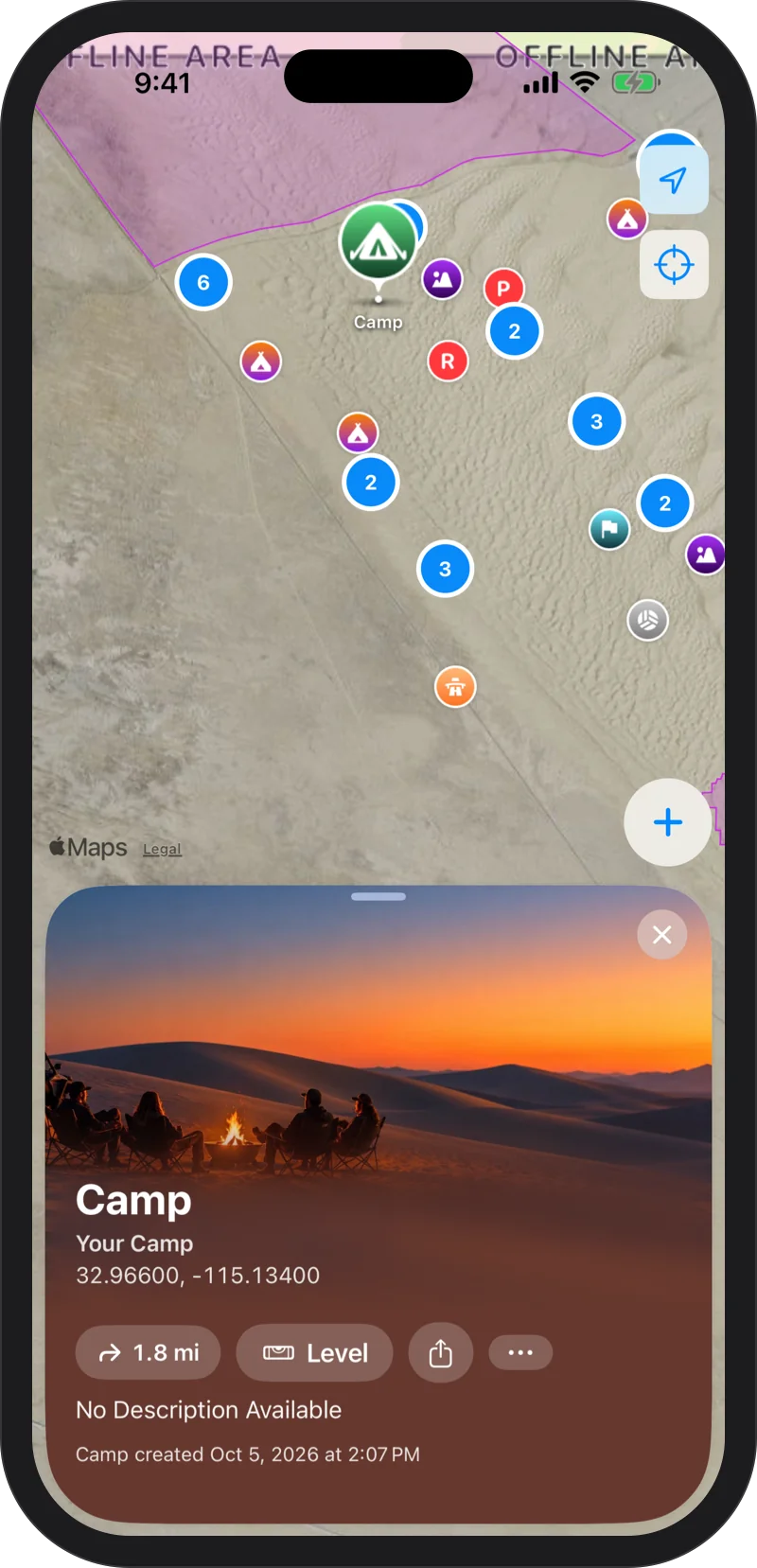
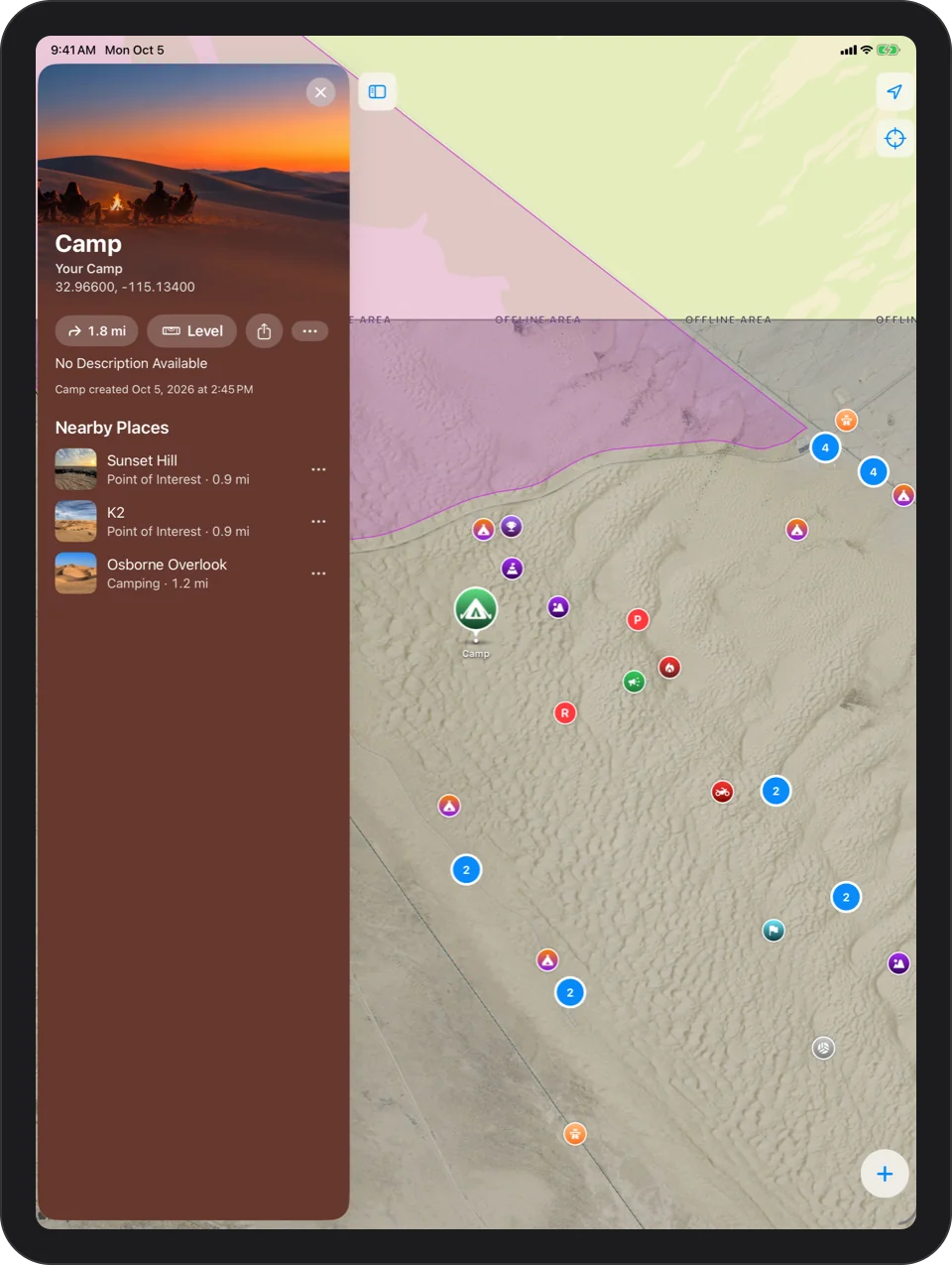
Start From Camp
Mark camp, then tap Level on the camp card. The app asks “Level Your RV?” and walks you through it the first time.
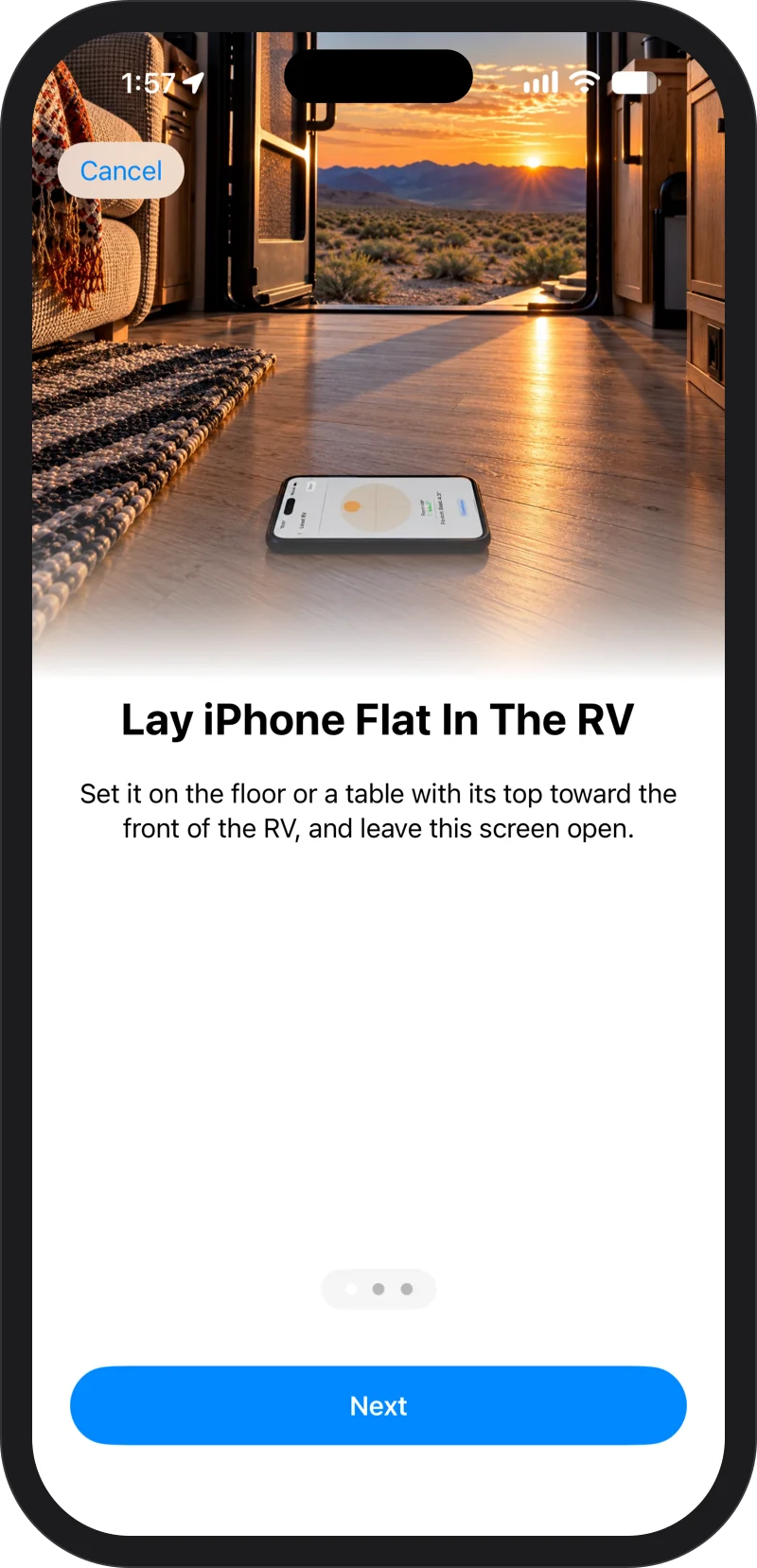
Lay iPhone Flat In The RV
Set it on the floor or a table with its top toward the front of the RV, and leave the screen open. It shows the bubble, which side to raise, and Level when you get there. No watch needed.
Walk Out To The Jacks
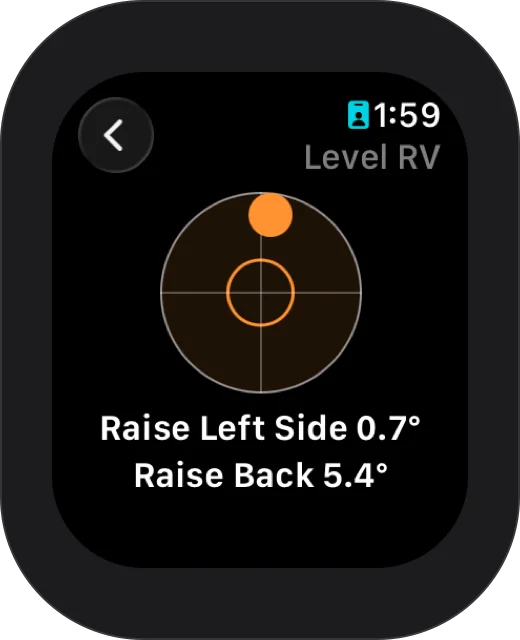
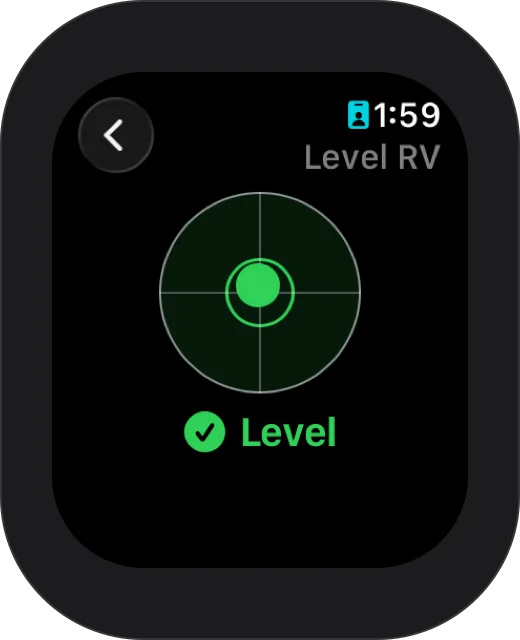
With Apple Watch, open Level RV in Glamis on your wrist. It shows which side to raise and by how much, side to side and front to back, such as Raise Left Side 0.7° and Raise Back 5.4°.
Raise The Low Side
Raise the side it names until it shows Level, within half a degree both ways. The watch taps when you get there.
Calibrate Once
Calibration measures your iPhone's own tilt so every reading is corrected. Any flat, steady spot works; it does not need to be level. Lay iPhone face up and tap Measure, then turn it halfway around in the same spot and tap Measure again.
Keep Level On Screen
To keep Level on screen while your wrist is down, turn on Return To App for Glamis in Settings, General, Return To Clock on your watch.

Every dune, offline.
Free on the App Store. Requires iOS 17 or later; the Apple Watch app requires watchOS 11 or later.